


Skip to content
View in the app

A better way to browse. Learn more.

MagicDuel Community

A full-screen app on your home screen with push notifications, badges and more.

To install this app on iOS and iPadOS
  1. Tap the Share icon in Safari
  2. Scroll the menu and tap Add to Home Screen.
  3. Tap Add in the top-right corner.
To install this app on Android
  1. Tap the 3-dot menu (⋮) in the top-right corner of the browser.
  2. Tap Add to Home screen or Install app.
  3. Confirm by tapping Install.

Images

Windy

Member
  • Joined

  • Last visited

About Me

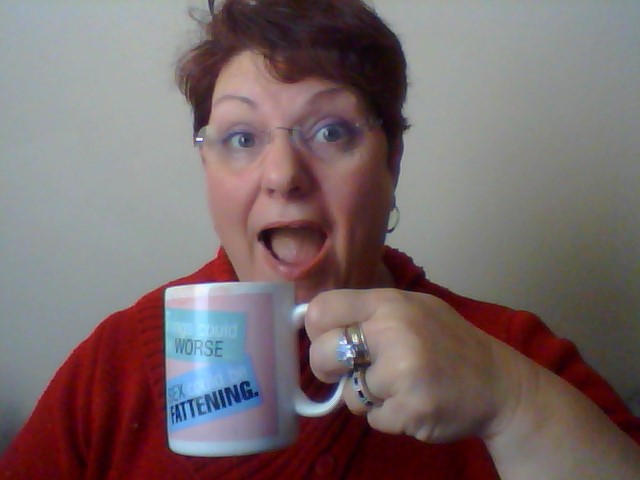
I will be 50 this year. (Yes,I'm old! Deal with it!) I live in the Show Me State of Missouri.


This character allows me to express myself in ways that "mostly" I would not do in public. Windy is very affectionate and loves to have a good time. She can be bossy at times...okay...most of the time. But she has a huge heart and tries to help everyone, especially the new characters as they come into her pub. What can I say? Windy is ME! tongue.gif

Account

Navigation

Search

Search

Configure browser push notifications

Chrome (Android)
  1. Tap the lock icon next to the address bar.
  2. Tap Permissions → Notifications.
  3. Adjust your preference.
Chrome (Desktop)
  1. Click the padlock icon in the address bar.
  2. Select Site settings.
  3. Find Notifications and adjust your preference.