Lillte-lil
New Member
-
Joined
-
Last visited
-
It's fixed now o_o
-
Edit: nevermind o-o
-
Thanks for helping! I'll wait until you tell me i can continue playing again~!
-
Only i play this game. I only play at home.
-
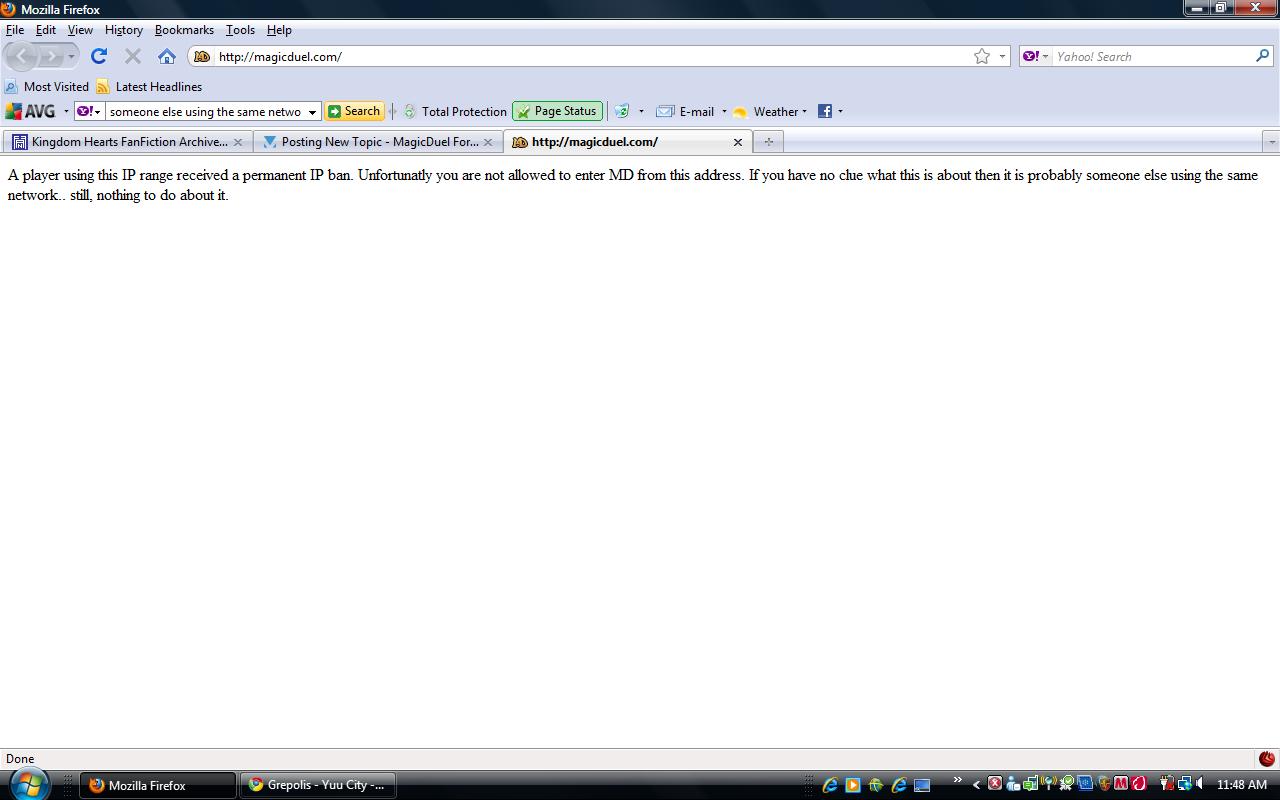
I can play just fine yesterday but today i can't. The page has a message like this:- A player using this IP range received a permanent IP ban. Unfortunatly you are not allowed to enter MD from this address. If you have no clue what this is about then it is probably someone else using the same network.. still, nothing to do about it. Nothing else is on the page. Tried to restart, didn't work. Tried a new window, didn't work. Tried Firefox and Google Chrome, both can't work. Delete browser history, didn't work. I did nothing wrong to get an IP Ban. If not this adress then what other adress? I have no clue, i'm the only one playing this game in my house. Please help >_< i just started liking the game!!