Skip to content
View in the app

A better way to browse. Learn more.

MagicDuel Community

A full-screen app on your home screen with push notifications, badges and more.

To install this app on iOS and iPadOS
  1. Tap the Share icon in Safari
  2. Scroll the menu and tap Add to Home Screen.
  3. Tap Add in the top-right corner.
To install this app on Android
  1. Tap the 3-dot menu (⋮) in the top-right corner of the browser.
  2. Tap Add to Home screen or Install app.
  3. Confirm by tapping Install.

Images

Trola

Member
  • Joined

  • Last visited

Everything posted by Trola

  1. Psst @Steno got another one
  2. r1c5 r2c8 r2c4 r3c5 r4c3 r4c5 r6c3 r7c4
  3. Insert <<It ain't much but it's honest work>> meme
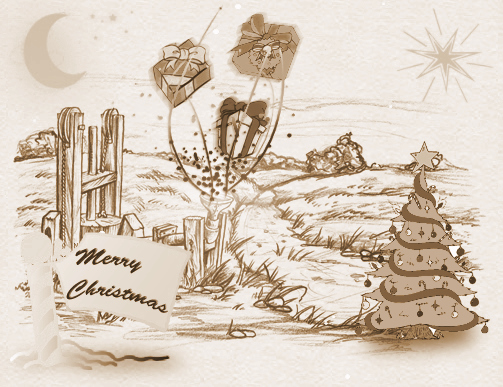
  4. I tried to transform Fenth Press into Christmas Presents Factory... Hope you'd like it Merry Christmas
  5. I got following error when tried to attack Willow's Shop Guardian: [code] Fatal error: Unsupported operand types in /home/magicdue/public_html/core/combat/influences/SkillVampire.php on line 35[/code] Creature used in ritual: - Tormented soul II

Account

Navigation

Search

Search

Configure browser push notifications

Chrome (Android)
  1. Tap the lock icon next to the address bar.
  2. Tap Permissions → Notifications.
  3. Adjust your preference.
Chrome (Desktop)
  1. Click the padlock icon in the address bar.
  2. Select Site settings.
  3. Find Notifications and adjust your preference.