Skip to content
View in the app

A better way to browse. Learn more.

MagicDuel Community

A full-screen app on your home screen with push notifications, badges and more.

To install this app on iOS and iPadOS
  1. Tap the Share icon in Safari
  2. Scroll the menu and tap Add to Home Screen.
  3. Tap Add in the top-right corner.
To install this app on Android
  1. Tap the 3-dot menu (⋮) in the top-right corner of the browser.
  2. Tap Add to Home screen or Install app.
  3. Confirm by tapping Install.

Truth Speaker

New Member
  • Joined

  • Last visited

  1. Seigheart told me chewett will fix this, when should I return to find it fixed?
  2.    Kaya reacted to a post in a topic: The year 21 MP3 experience
  3. I was told to post I need lots of wins to level my creatures I can't beat the npc I beat the armors at willows There is no one to fight How can I progress?
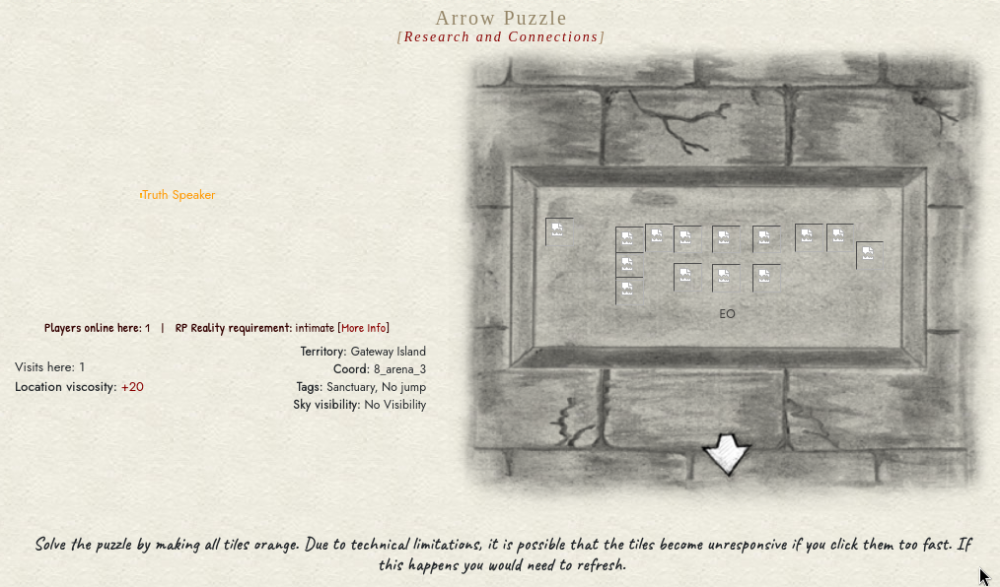
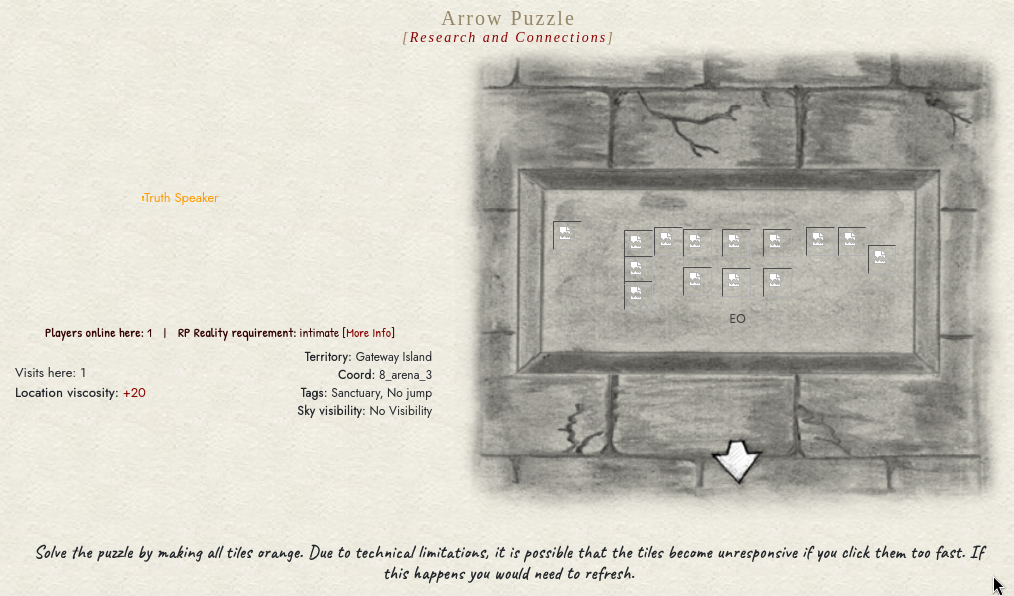
  4.    Fang Archbane reacted to a post in a topic: tutorial arrow puzzle broken
  5.    Chewett reacted to a post in a topic: tutorial arrow puzzle broken
  6. You saying these errors are normal and expected then @Blackshade Rider ? Thanks
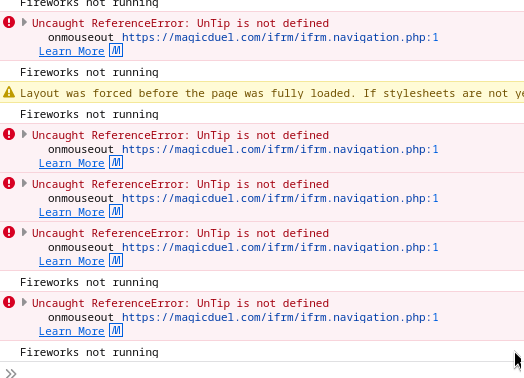
  7. Hey my man, great words, fair point Hovering over the images makes them just go gold, then it spews errors at me and I can't do anything
  8. @Fang Archbane what do I do?
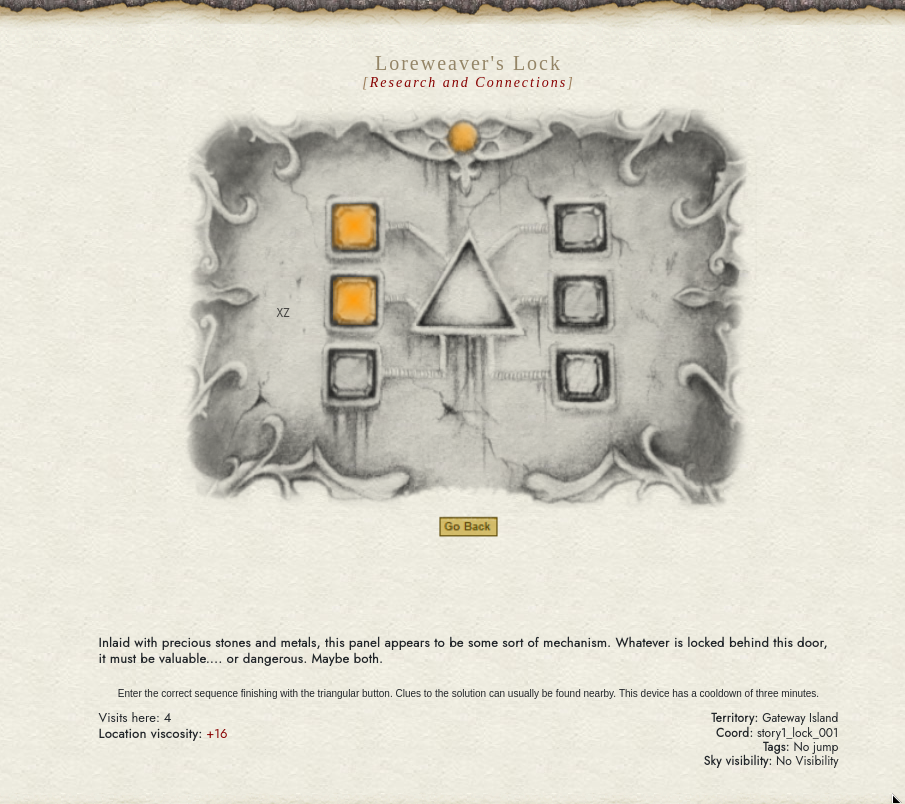
  9. Still broken story1_lock_001 cant make paper becuase there is no bark, can't leave with fighting, this shit is broken too
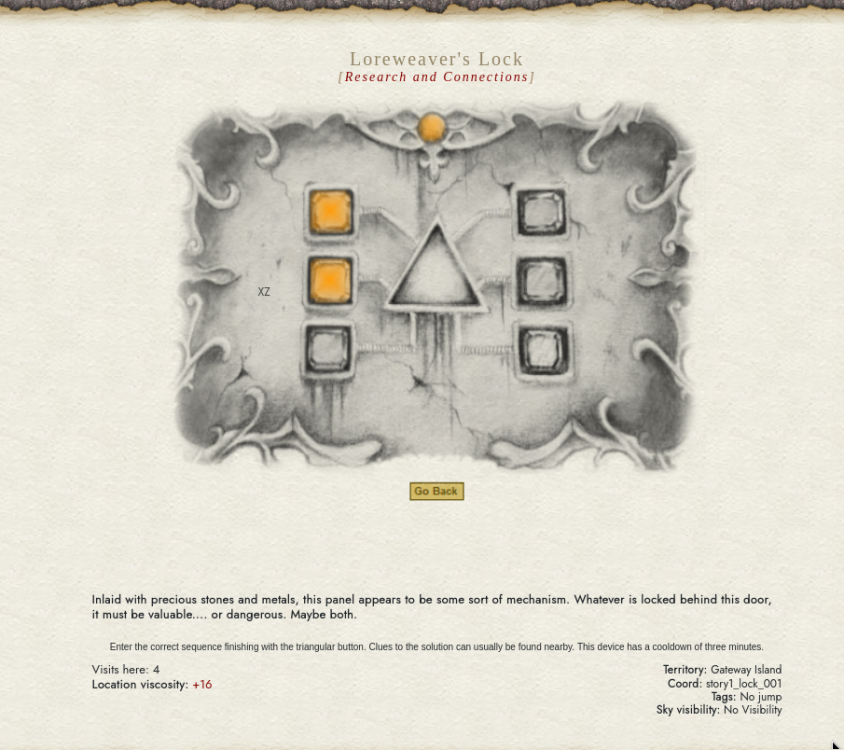
  10.    Kaya reacted to a post in a topic: tutorial arrow puzzle broken
  11. How can I leave?

Account

Navigation

Search

Search

Configure browser push notifications

Chrome (Android)
  1. Tap the lock icon next to the address bar.
  2. Tap Permissions → Notifications.
  3. Adjust your preference.
Chrome (Desktop)
  1. Click the padlock icon in the address bar.
  2. Select Site settings.
  3. Find Notifications and adjust your preference.