Images
-
Petal Elucid I
Winner of the auction will have this exclusivity for this creature for at least 60 days
-
-
First Bug Achievement?
SPOILER!
-
Screenshot_20230327_224813.jpg
NFTs created from the new api, in md, from bestiary creatures. You can find them also on opensea.io where you can view there rarity and such.
Currently there is no way for anyone to create such nfts, but this is just because nobody showed any interest in this feature.
I will cobtinue working on in-game interfwces for this, or i will just use them for personal transfers and rewards..depends only on your feedback
-
-
-
Screenshot_20230327_221129_AlphaWallet.jpg
magicduel.com is not the official erc-20 (eth, polygon) address for md on the eth blockchain.
Magucduel.eth is also a valid ens domain name bound to the official address.
This is part of a series of experiments i do in the crypto direction
-















Maitreyi Devi
-
Joined
-
Last visited
-
-
First of all we must thank you,Phantom Orchid, for creating this quest and giving us the chance to express in this manner. Thank you for appreciating my work ..I enjoied paticipating on this quest.. Congratulations for all the participants! (The acces to Loreroot will be very welcomed, because I haven't defetead the second guard yet..)
-
-
-
-
-
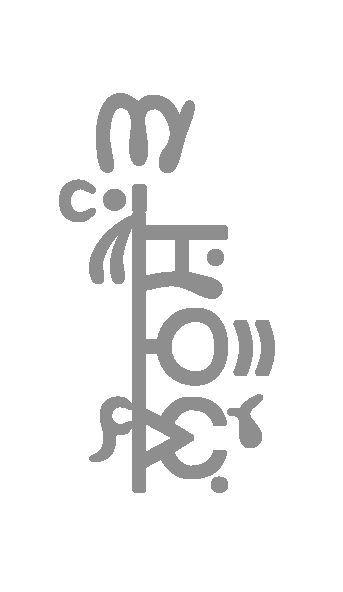
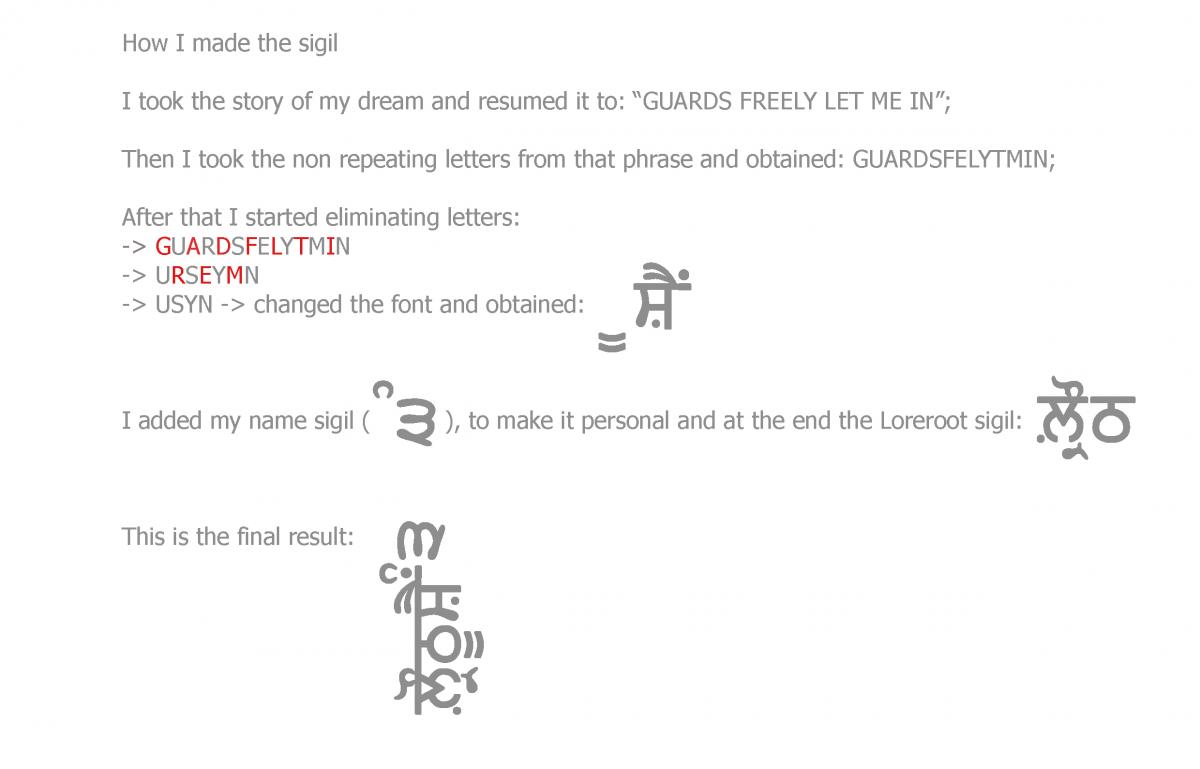
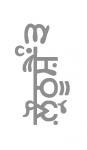
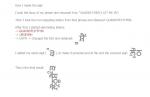
Hello, My name is Maitreyi Devi, and I don't have any land affiliations, Loyalty: 76. The Story: It's been awhile since I started fighting the Loreroot guards. For now I only succeded to defeat the first one and the second one is time and resource consuming. I find myself tormented by the fact that I repeatedly try to win that fight against it but everytime the Guard humiliates me and leaves me with no strengths. The Dream My thoughts and strenghts are consumed by the desire of getting acces to the Lands of Loreroot. After every fight I fall asleep exhausted and I have this hope-giving dream where the Guards let me in without any fight and I am able to explore Loreroot at will. To help myself fulfill this dream I created this Sigil which reminds me while I am awake that there is hope and I shouldn't give up. The Sigil:[attachment=3426:dream_sigil.jpg] [attachment=3427:expl.jpg]
-
Maitreyi Devi, please