Skip to content
View in the app

A better way to browse. Learn more.

MagicDuel Community

A full-screen app on your home screen with push notifications, badges and more.

To install this app on iOS and iPadOS
  1. Tap the Share icon in Safari
  2. Scroll the menu and tap Add to Home Screen.
  3. Tap Add in the top-right corner.
To install this app on Android
  1. Tap the 3-dot menu (⋮) in the top-right corner of the browser.
  2. Tap Add to Home screen or Install app.
  3. Confirm by tapping Install.

Images

CMapu

New Member
  • Joined

  • Last visited

Everything posted by CMapu

  1. Hi I got the same error right now i was busy for 10 min dont know if it's due to someone working on it now just letting know :)
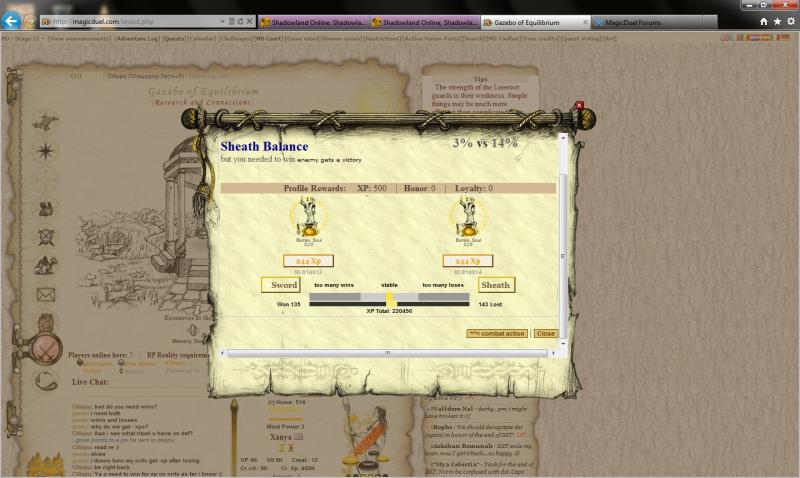
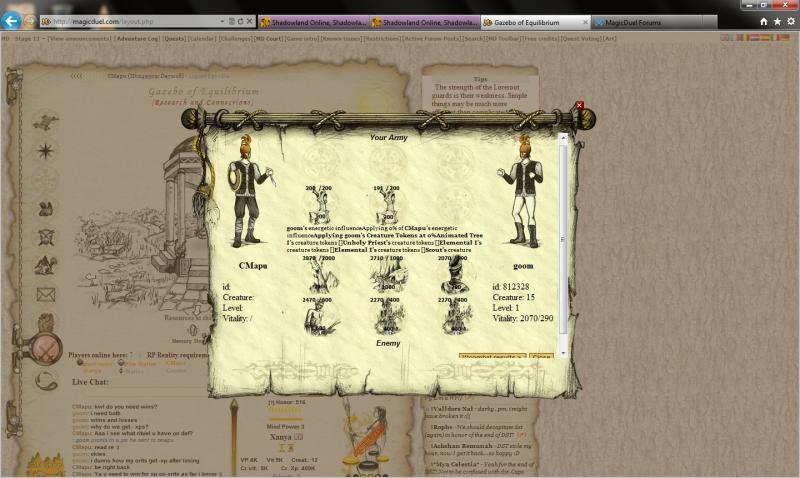
  2. Can some one explaine to me why goom lost when he atk me? and lose vit [attachment=4440:1.jpg] [attachment=4441:2.jpg]
  3. I would also like to know seeing i gained it :) Hope it's not a bug i want to keep the something :)
  4. Hi i dont know much dutch but i'm afrikaans en ek kan dalk help! dont see my langued here so could assist dutch all most similar! as die skoen jou pas trek hom an!
Account

Navigation

Search

Search

Configure browser push notifications

Chrome (Android)
  1. Tap the lock icon next to the address bar.
  2. Tap Permissions → Notifications.
  3. Adjust your preference.
Chrome (Desktop)
  1. Click the padlock icon in the address bar.
  2. Select Site settings.
  3. Find Notifications and adjust your preference.