Images
-
Petal Elucid I
Winner of the auction will have this exclusivity for this creature for at least 60 days
-
-
First Bug Achievement?
SPOILER!
-
Screenshot_20230327_224813.jpg
NFTs created from the new api, in md, from bestiary creatures. You can find them also on opensea.io where you can view there rarity and such.
Currently there is no way for anyone to create such nfts, but this is just because nobody showed any interest in this feature.
I will cobtinue working on in-game interfwces for this, or i will just use them for personal transfers and rewards..depends only on your feedback
-
-
-
Screenshot_20230327_221129_AlphaWallet.jpg
magicduel.com is not the official erc-20 (eth, polygon) address for md on the eth blockchain.
Magucduel.eth is also a valid ens domain name bound to the official address.
This is part of a series of experiments i do in the crypto direction
-















Sushi
-
Joined
-
Last visited
Everything posted by Sushi
-
Hey guys, here is my Drachorn~~~! Can i have a wishpoint please? : D 1) I just reused the garbage like aluminium foil tray & plastic bags/bin bags etc, and cut it into different layers & colors for the drachorn flakes. 2) I was inspired by "Koinobori", it looks like a windsock and needed to be very light, so i only used tin foil for basic structure & wing bones. 3) It Works, yay~~~Flying-drachorn streamer! Thank you for watching!
-
Yeah, my gallery is finally opened~ pls come and visit : D
-
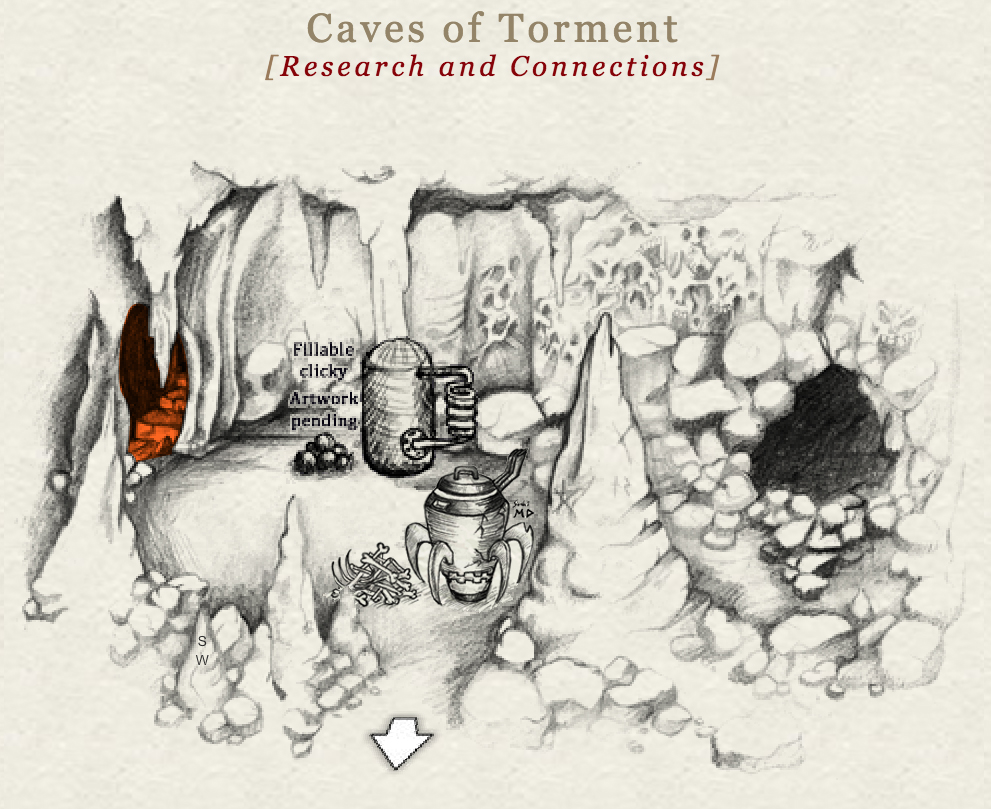
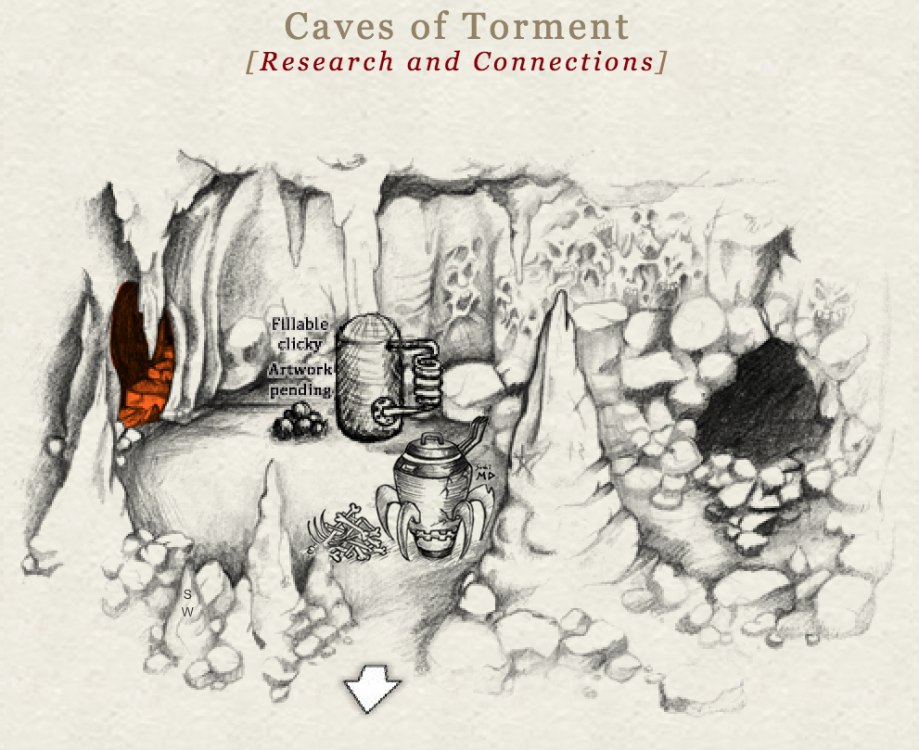
After i visited Necrovion, i drew this "Skeleton Assembler" for Lashtal, inspiration from Altar pot/Cinerary urn, combined it with some local features & a rice cooker, so you can cook the bones with it! : P
-
Happy birthday to u~
-
Hey guys, this is my rain collector prototype! haha, hope i can get a wishpoint and permanent rain collector~ Materials list: - Softbox w/ bag (main part) - Transparent lunch box w/ cloth, large & fine gravel, cotton (filter) - Vacuum cleaner hose, PVC pipe (accessories) - Carrying bag/backpack (container) Instead of a normal umbrella, i used a softbox for the main part, softbox is an enclosure designed to fit around an artificial light source, and it is weatherproof ,sturdy, extremely portable just like a good umbrella but inverted already! it also come with a little bag. : P Btw i forgot my pen so i made it with some grasses on the floor... MD Sushi June 2018 It is a rectangular softbox, i removed the outer diffuser and taped a tube & vacuum cleaner hose on it DIY simple water filter - i combined two transparent lunch boxes and filled with some gravel, cotton & cloth for different layers. Full set equipped, i think the best way to use the rain collector is attach the hose to main part and get water directly, you don't need a water filter in portable version, but it is optional. Concept art - This is the extended version of my rain collector, i just want to show u another reason to use softbox because it can fit with different attachments easily, like a heavy duty light stand, so you can have bigger or more water filters etc. Thank you for watching!
-
Happy birthday!!!
-
-
I wish there have sth like a quest filter/ subforum...etc to sort all the permanent quests in forum, or maybe different subsections for active/ inactive & expired quests instead of putting them all in one section...that would be much much much more easier & user friendly for new players. Build up the tag system, make some standards and unify the keywords for different type of quests like puzzle/festival(eg.2018)/tournament...etc, also maybe u can pin a tagging tips, or make the tags editable for everyone so ppl can help to categorize it even the quest creators are no longer here. This is just my suggestion~
-
ok i will update it once i created my gallery album, but currently i can't because i didn't find any options to do it...(see below)
-
Thx Lintara! um i just want to update & share my drawing in the same place irregularly. should i just keep post it here or make a gallery album for it?
-
Thank you for your feedback guys, i really appreciate it! btw, i just tried to update my top post and add more pics, but i can't find the edit button anymore?_?
-
Oh no, i have already finished my drawing already, because i thought this is a permanent quest...ummm...i post it here anyway (otherwise idk what to do with it), i hope u don't mind. >< - - - - - - - - - - - - - My Hellhound? There are too many dark/cruel/creepy hellhounds in the traditional style... so maybe i should try to make sth a little bit different. The power of this hellhound is not about physically but in the mentally, spiritually & emotionally ways. He will trick you, tempt you, lie to you and attack you in your mind. He can read you, lead you down a path of deception and eventually destruction. He is patient, wise, eloquent but also can be very sneaky, his elegant & dignified look inspired from a Whippet. Now, do you want to play a game with him? Supersize Gatekeeper, inspired from Garmr in Norse mythology. He is the largest dog in hell, but inside of him is just a child with little neuroticism. He may look cute and harmless, but you don't want to piss him off, because he will create a great chaos with his burning tail, it can be hard to stop. Haha this is just one of my sketches but somehow i like it, a ballon hellhound! It used to represent happiness in upper world, but now, the more you hate, the bigger he get!
-
Welcome, thank you for stopping by! I just want to share some of my work to you guys here, and i'd love to hear your thoughts too, so please feel free to leave me a comment. : ) 1) My first drawing quest from Lintara, after i visited the Loreroot. I was thinking sth like a historical remain/ ancient altar/ magic array…etc. with symbol/puzzle elements. I tried to match the MD art style, even used the similar fonts & texture! 2) MD Avatar Coloring Contest May 2018 The mysterious power & beauty. (Permission granted by Lintara for using her avatar) Before: After:
-
(ohoh i just found that this is a permanent quest, i will update here when i am finished)
-
um, can i try this quest? i already pm u but still no reply ._.
-
Welcome~ thank you for stopping by. Feel free to grab a drink and take a look around! (please do not copy or use without my permission)