


Steno
Member
-
Joined
-
Last visited
Everything posted by Steno
-
To celebrate the presumed winner of Ailith's riddle contest (I swear he must have known the questions beforehand he typed so fast-he even said he'd trained for the day all of his life)


-
-
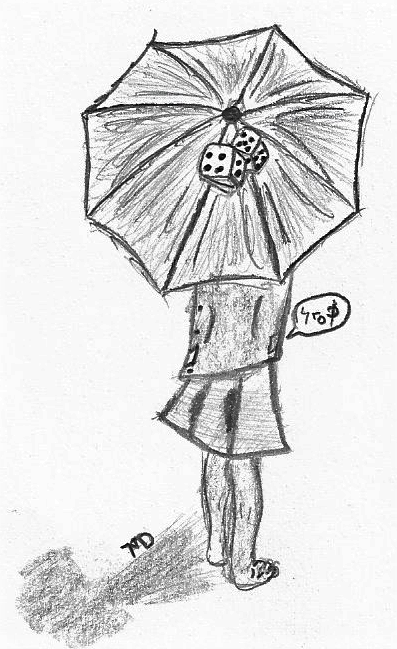
Aia said that I could submit another one. I drew this one for Tyche because I was really inspired by her role-playing. Hopefully she likes it. Also, for something that took 10 minutes, it looks about 300 times better than the one I spent over an hour on. (Also it feels more like MD style-though I still can't get toes down, that's why this was easier, no part was human except the toes) XP To Tyche-I'm sorry if you don't like the parts I included, I thought the umbrella and the thing speaking from your pocket were on-theme. The dice were because I wanted to make an allusion to the another of your name-the Greek goddess. If you don't like it and want me to take it down, then PM me and I'll do so.
-
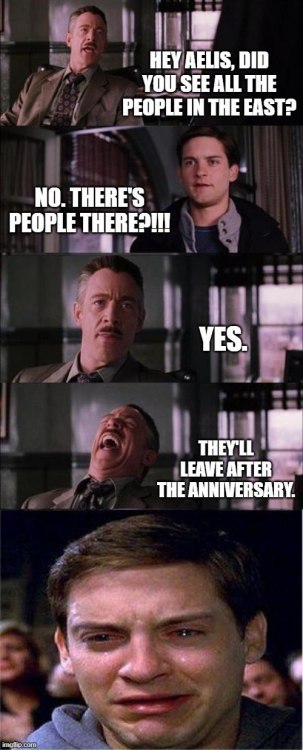
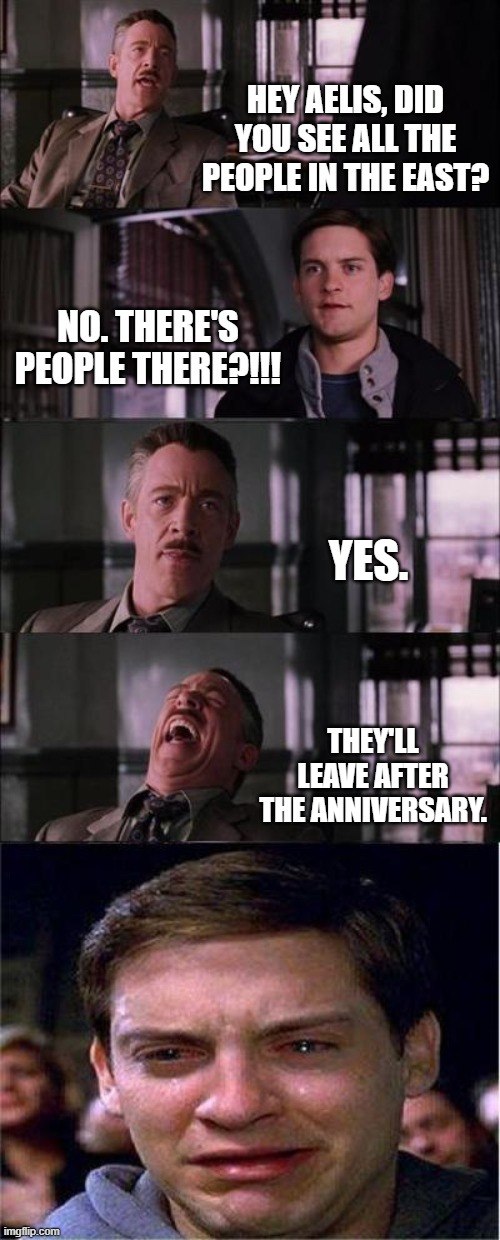
Comment: In no way am I flaming the East. After all, we are one now. I'm actually really excited for Ailith's quests in the east-personal disclaimer
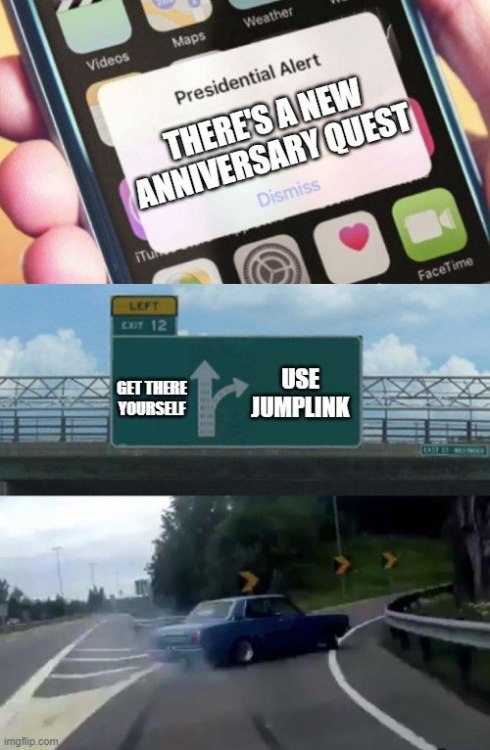
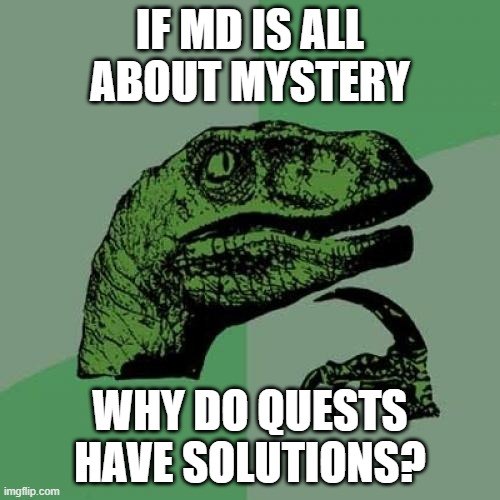
-
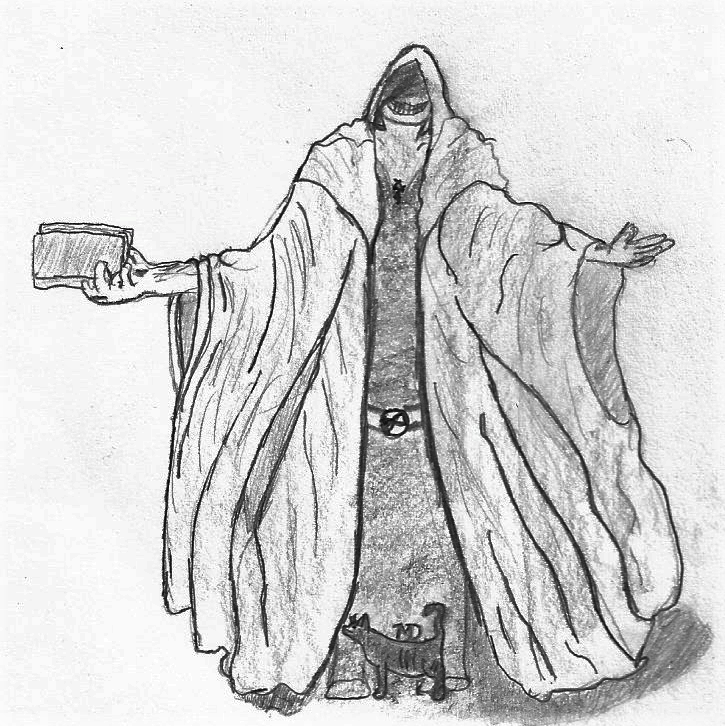
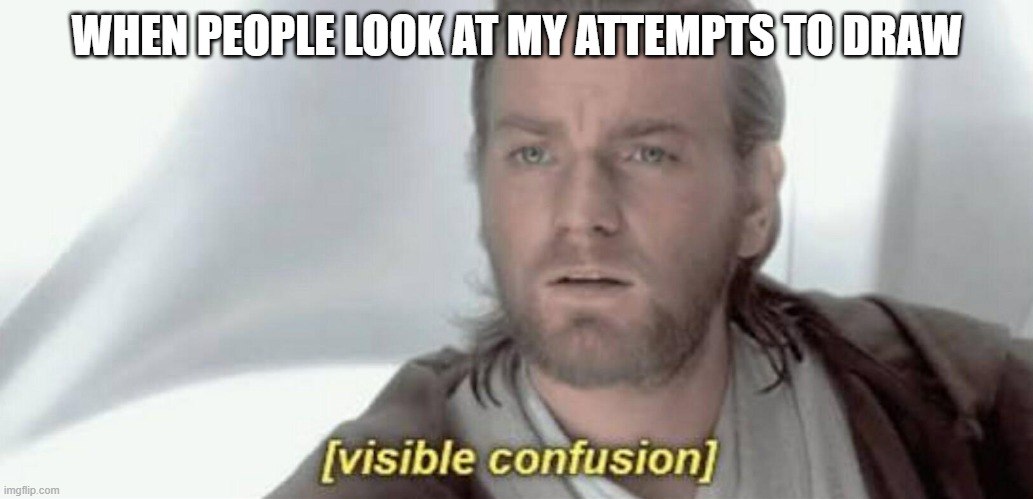
Can't draw. Also I just finished watching Tokyo Ghoul so I think it came out looking too anime-style style for my liking. (For once I feel like I got hands decent, can't get anything else decent though). Also, even though this looks super NC-like, I'm still a member of Ma'Beast! Oh well, first draft:
-
Bump: but also to let you know I'm interested in this quest.
 Come and get me @MaGoHi and @Demonic God
 Or substitute lashtal for Aia speak.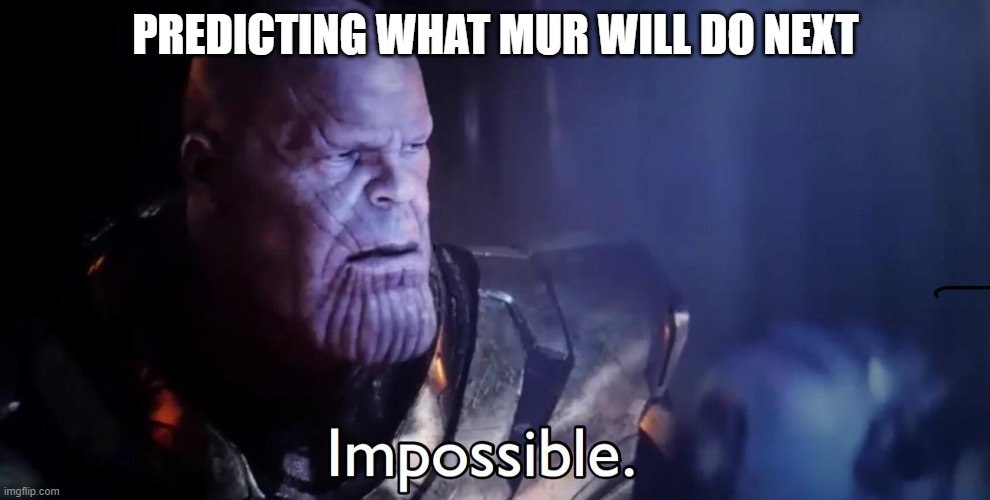
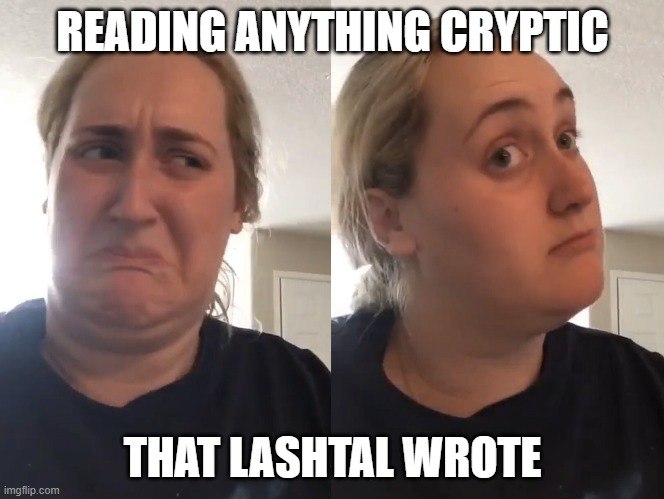
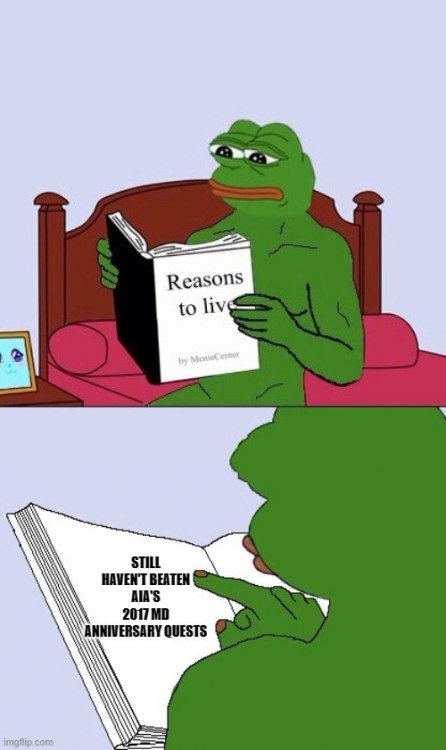
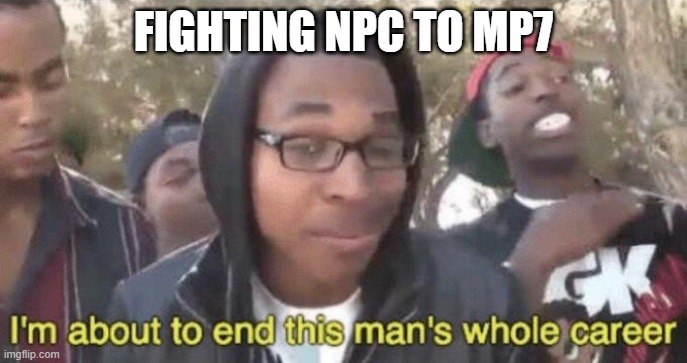
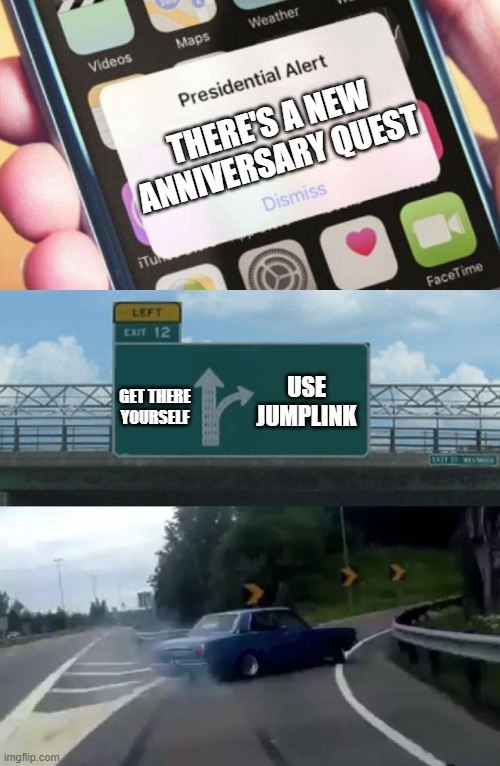
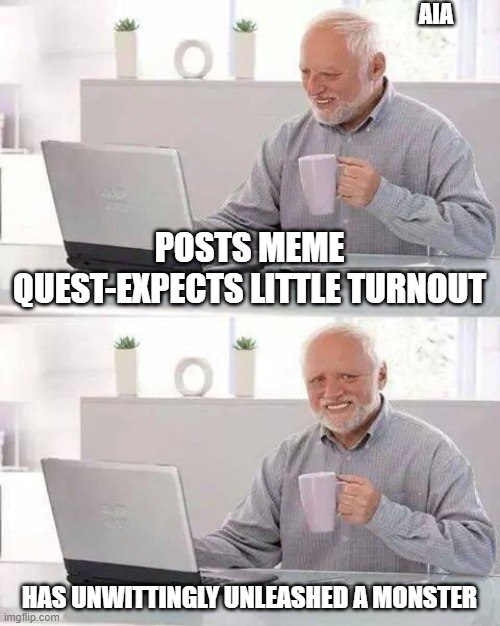
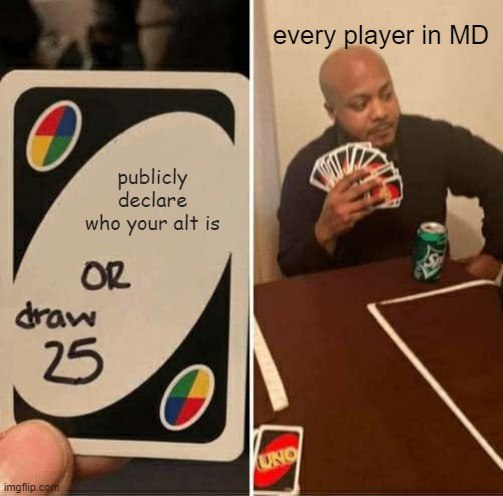
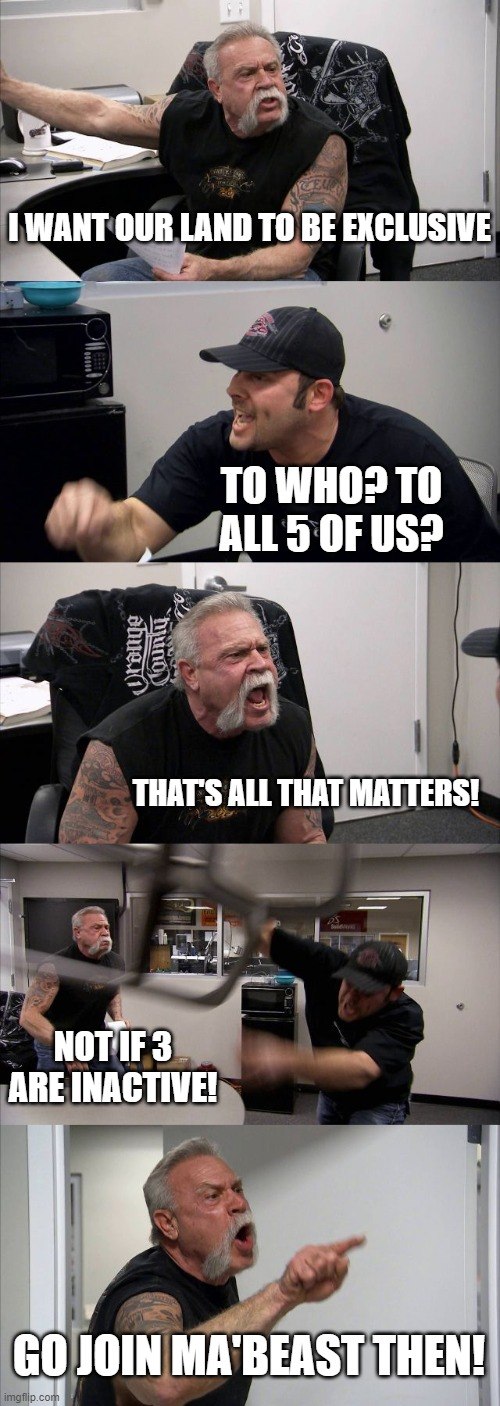
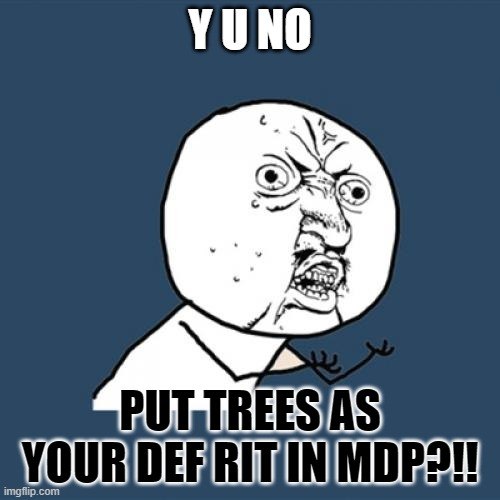 Since apparently now there might be a tag on the line, I must try my hardest! Also, NC is just so easy to make memes about. Sorry if it feels repetitious.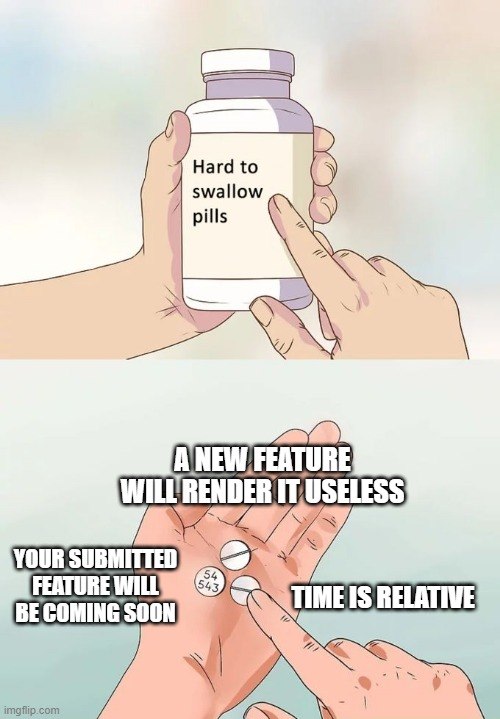
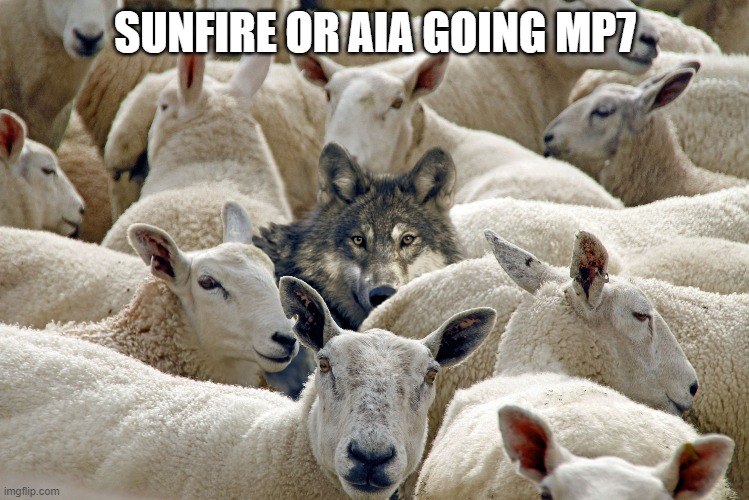

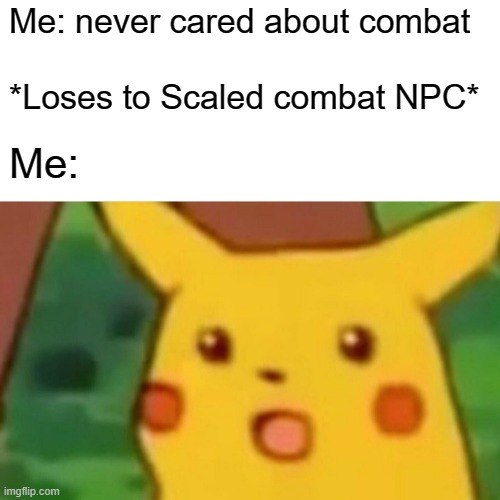
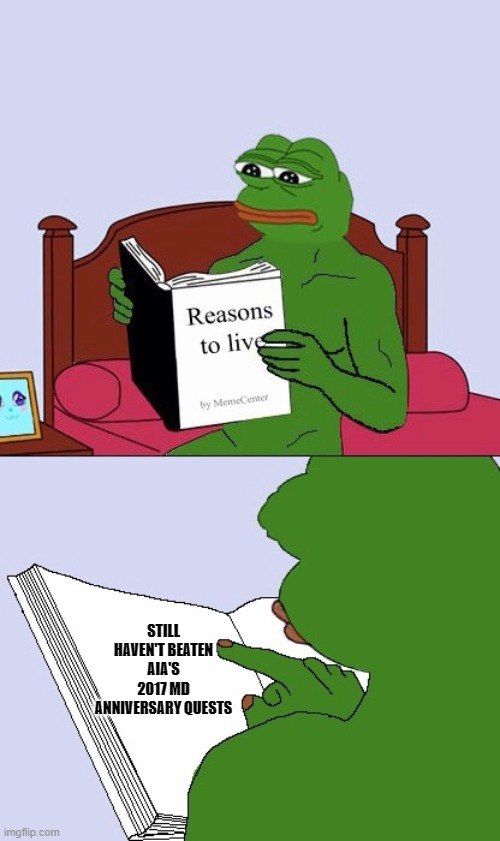
 This one had such potential. Apparently my coffee hasn't kicked in yet. That one was weak so I'm adding this one: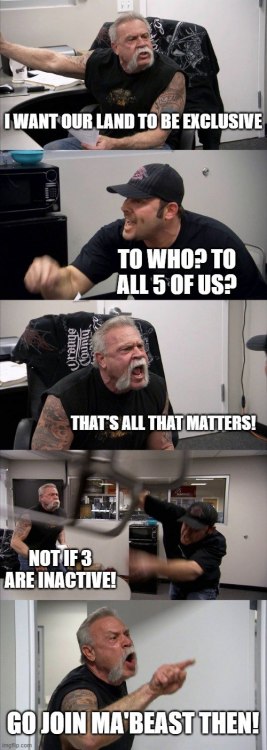
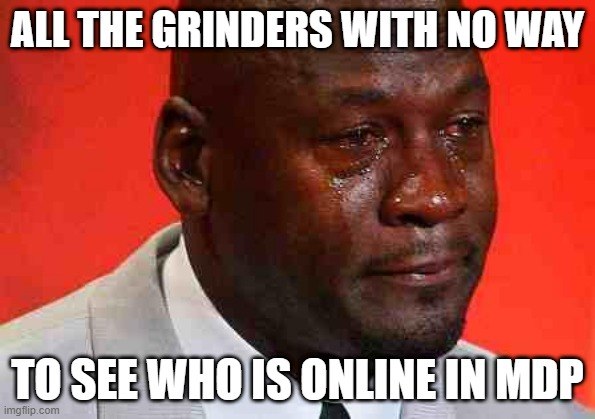
 Thanks Aia for that info! edit- it’s a joke. This is too much fun. also I’m too lazy to crop.
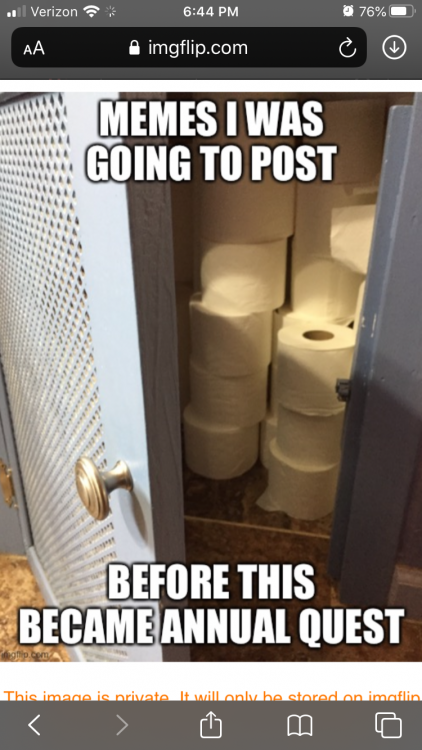 For you youngin's who never had to deal with the council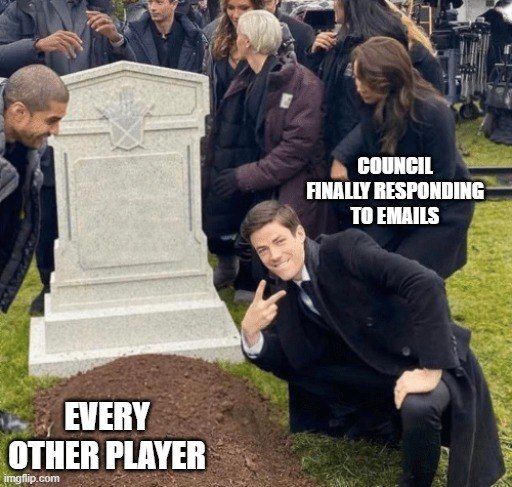
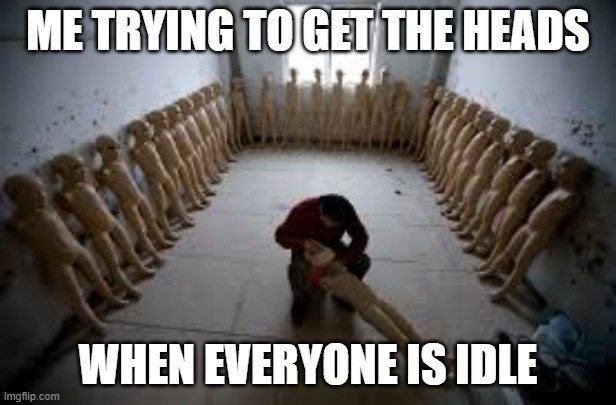
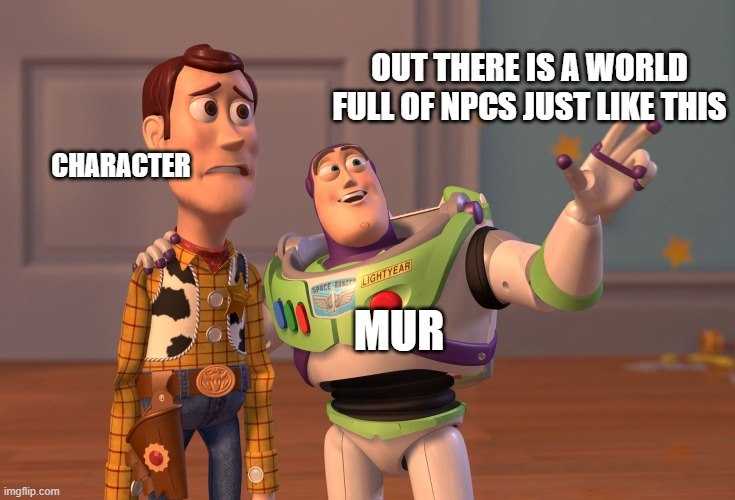
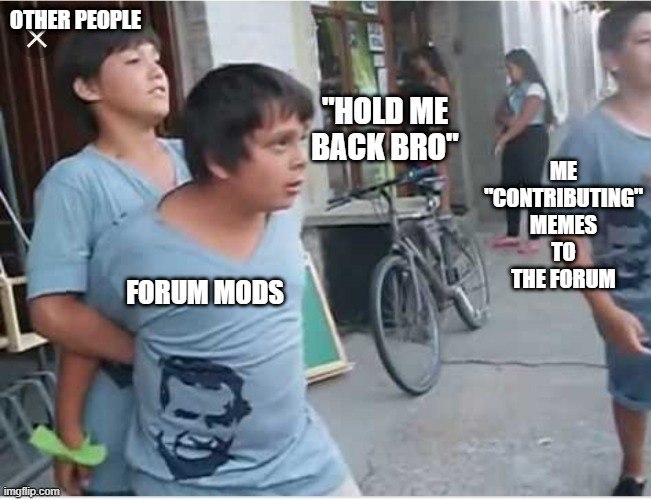
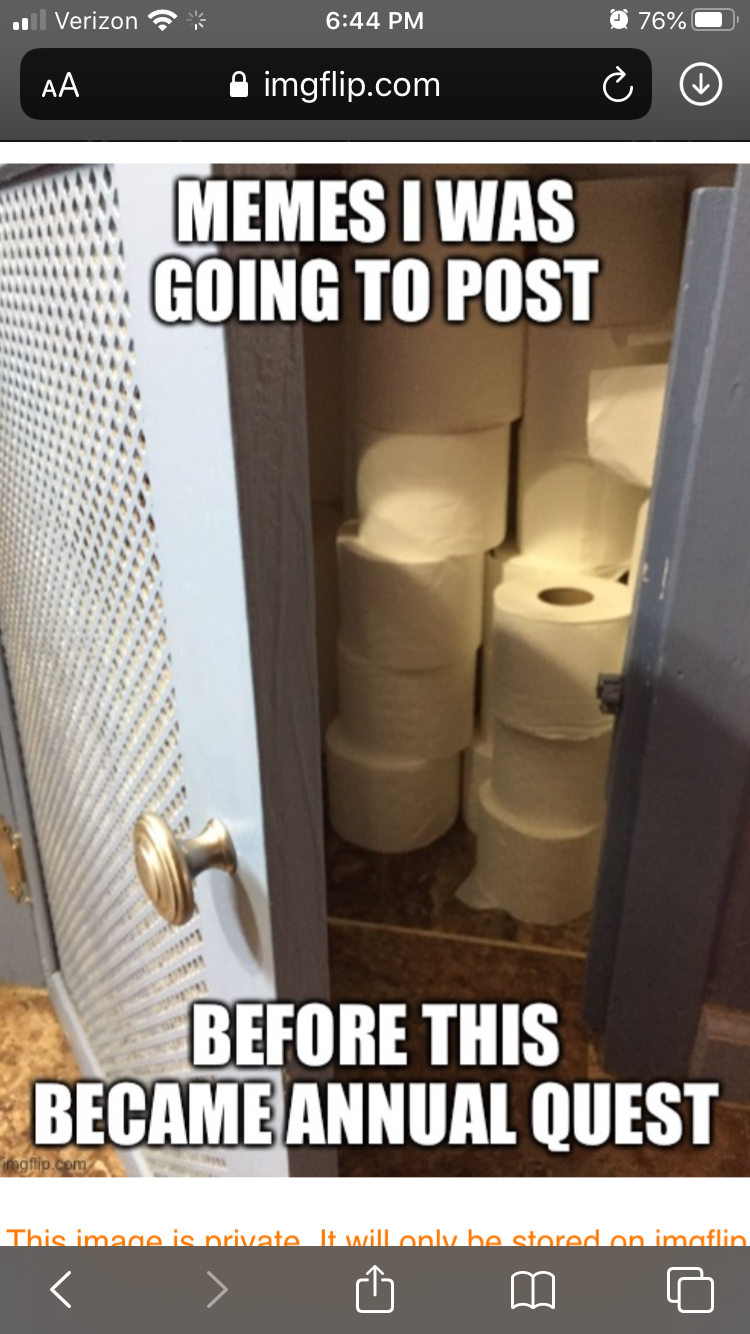
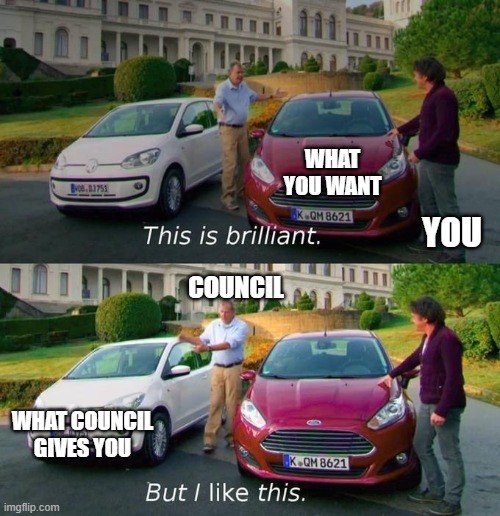 After this much traffic, I certainly hope so.Words can't express how much I love the above meme.Just to clarify @Aia del Mana, we can select multiple memes for the upvote? I could even upvote, let's say Each of Mago's memes? Also, If I want someone to get plushies (If I can vote more than once) I should change my reputation to upvote, not love, correct?









Account
Navigation
Search
Configure browser push notifications
Chrome (Android)
- Tap the lock icon next to the address bar.
- Tap Permissions → Notifications.
- Adjust your preference.
Chrome (Desktop)
- Click the padlock icon in the address bar.
- Select Site settings.
- Find Notifications and adjust your preference.
Safari (iOS 16.4+)
- Ensure the site is installed via Add to Home Screen.
- Open Settings App → Notifications.
- Find your app name and adjust your preference.
Safari (macOS)
- Go to Safari → Preferences.
- Click the Websites tab.
- Select Notifications in the sidebar.
- Find this website and adjust your preference.
Edge (Android)
- Tap the lock icon next to the address bar.
- Tap Permissions.
- Find Notifications and adjust your preference.
Edge (Desktop)
- Click the padlock icon in the address bar.
- Click Permissions for this site.
- Find Notifications and adjust your preference.
Firefox (Android)
- Go to Settings → Site permissions.
- Tap Notifications.
- Find this site in the list and adjust your preference.
Firefox (Desktop)
- Open Firefox Settings.
- Search for Notifications.
- Find this site in the list and adjust your preference.