Images
-
Screenshot_20230327_224813.jpg
NFTs created from the new api, in md, from bestiary creatures. You can find them also on opensea.io where you can view there rarity and such.
Currently there is no way for anyone to create such nfts, but this is just because nobody showed any interest in this feature.
I will cobtinue working on in-game interfwces for this, or i will just use them for personal transfers and rewards..depends only on your feedback
-
-
-
Screenshot_20230327_221129_AlphaWallet.jpg
magicduel.com is not the official erc-20 (eth, polygon) address for md on the eth blockchain.
Magucduel.eth is also a valid ens domain name bound to the official address.
This is part of a series of experiments i do in the crypto direction
-








Neno Veliki
Member
-
Joined
-
Last visited
Everything posted by Neno Veliki
-
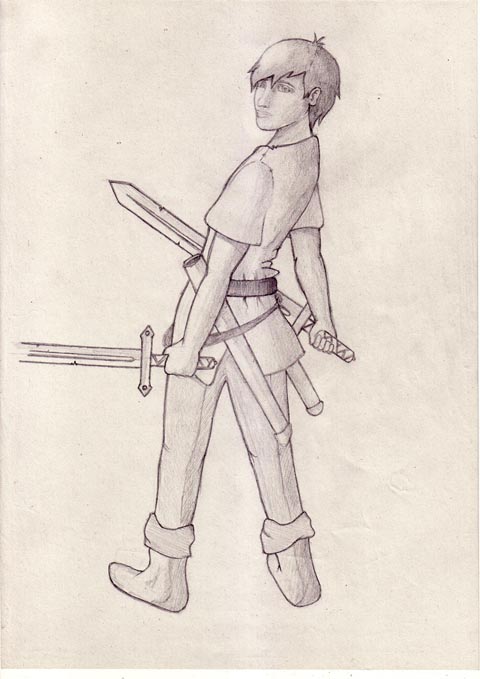
well i was trying to get that "pose" like he is half turned looking over his shoulder but i guess it was to big bite for me. i didnt get the pose quite well..
-
tnx ill try to work on it
-
well thanks, first comments are really encouraging!
-
avatar bounty made me take the pen and try to draw something. here is the result.. well maybe its not avatar material, but here it is.. any comments are welcome, along with some tips on how to enhace my possible future drawings
-
and what about a button to fire/dismiss inactive adept?