Plix Plox
Member
-
Joined
-
Last visited
Everything posted by Plix Plox
-
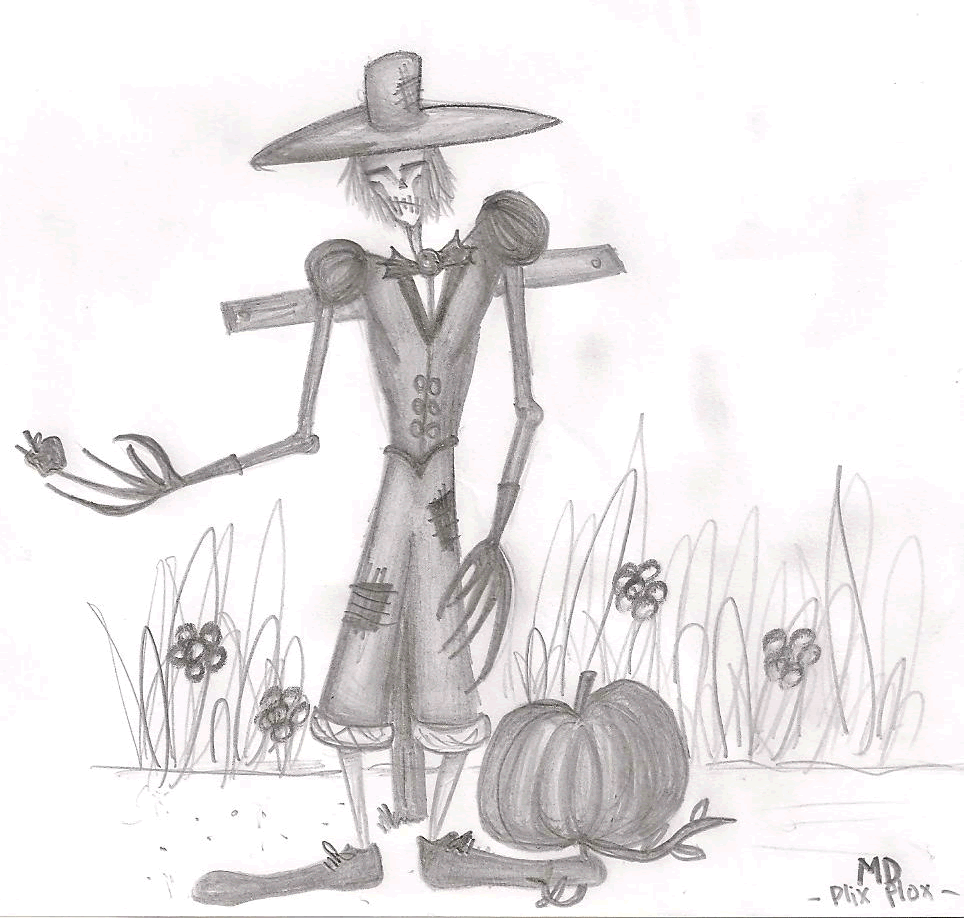
[b]Community Garden Scarecrow Contest[/b] Part 1: Scarecrow Drawing

-
Ooh I'm joining this ^^ Have to wait for my scanner to load though
-
Can I go too? ...Even though I've been inside already
-
[b]1101000110011101110000101 0101010011[/b]
-
Happy Birthday~ *Blows on a noisemaker*
-
Ooooh. I'll like to come, but I can't get into Loreroot...
-
Where do I unlock the Avatar Feature? I know it is in the MDShop, but....where? ><
-
Oh okay. Another question. Do I have to upload them onto MagicDuel or do I have to send avatar artworks to a particular person/email or something?
-
In Extra Features in the MD shop, I only have Buddy List and Map Overview Activity Unlocked... Does that mean if I play longer, the unlock avatar feature will eventually be able to be unlocked?
-
Hi! I'm a newbie player and I am planning to draw some avatars. I have a few questions though 1. Do we have to add "MD" on the drawings? 2. How do you unlock avatars? 3. If you do upload avatars do you get to use them yourself or must you sell them to the shop? It would be great if someone answered these questions!