


Chew
Root Admin
-
Joined
-
Last visited
Everything posted by Chew
-
Plushies are a reward currency available during the MagicDuel Birthday. There are three primary ways of gaining these: 1. If you are online during the birthday, at random times of day and night plushies will be given out. All online accounts will be given one (or more) plushies when they are given out 2. Hosting a quest will typically give a predefined number of plushies once you report the results. This number changes for each MagicDuel Birthday 3. Participating in a quest will typically also give a number of plushies once the result is reported. The number is also up for change every year.
-
The player DNA signature is an experimental way of encoding your various choices of a series of quirky opinion based questions into a DNA string. Contrary to popular belief it is not tied to story mode and is still in the game, new accounts should, after a few days, be presented with these questions. It currently has no use in MagicDuel.
-
The current Game Managers are Mur and Chewett. They are the game owners and coders who work to bring the game to life technically. They also manage the day to day running of the game and ensuring the servers stay online. They will also typically manage the big yearly events and are in charge of appointing high level positions and ruling on the lore of the game.
-
I would like to know who the current Game Managers are and what they do?
-
Contact Mur or Chewett and they can have a discussion with you. It is recommended to ensure you play MagicDuel and understand how it works before asking however. We don’t just need people that can code, but those who know the spirit of MagicDuel and can interpret it.
-
A lot of these answers focus on "powerful" however this is explicitly not what the question asked: Therefore It is clear that it is the dance spell will make everyone dance, it’s undoubtedly the best spell in MagicDuel
-
Fight screen xp

-
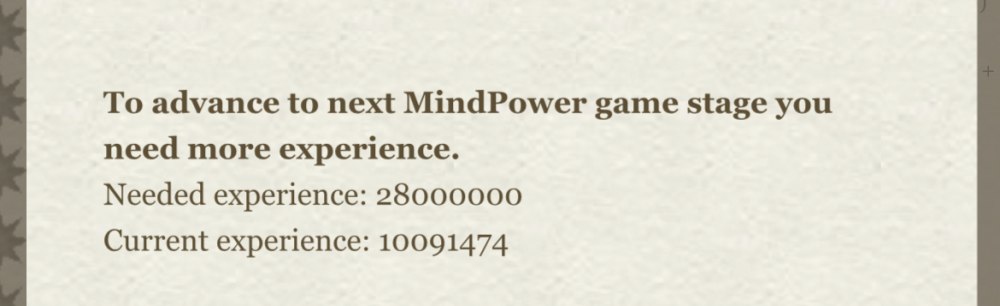
Mindpower advance screen, experiance
-
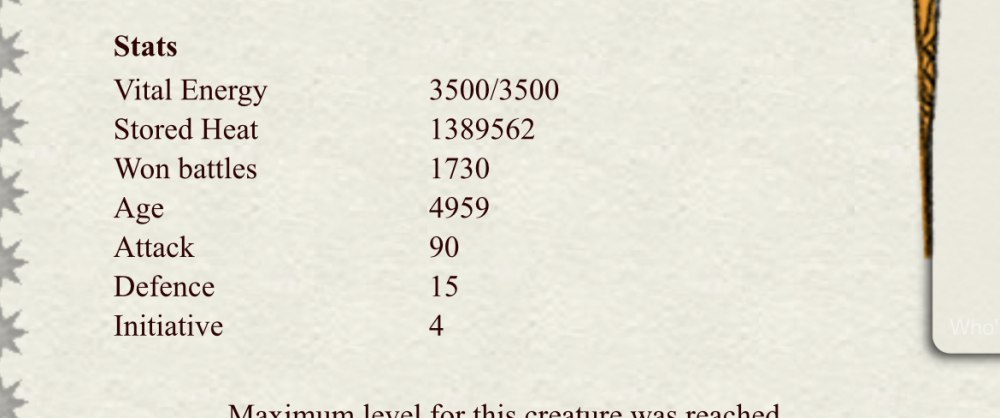
Creature description page stored heat.
-
Please look around the interface and take a screenshot (and say where it is) if there are any old terms that have been renamed to new ones. e.g. Anywhere where winertia is named value points, or heat scars are named XP. 3 silver for every print screen and accompanying text describing where it is please!
-
Its worth nothing! Worth is decided by those who value it and therefore by default it is entirely worthless! However the common exchange rate for gold to silver is one gold is worth 15 silver. It is important to note that some value silver less than this and may set their own exchange rate (typically in the past one gold has been worth up twenty silver as trading a lot of silver is time consuming). It is up to you and the person you are trading with to agree an exchange rate.
-
That should be fixed
-
That should be fixed
-
-
-
This has been resolved.
-
Thanks both
-
Does it just happen to that one? I tried a few recently and they seemed to work?
-
Some of these will be in the anni shop FYI
-
No worries, once I had the pictures I knew the issue I hope you are well!
-
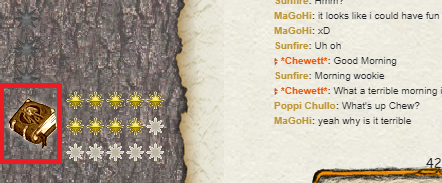
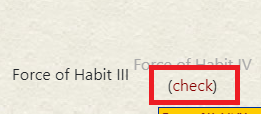
MrAlyon has 173 consequtive days. Can you go here: Then press check on the appropriate one:
-
Please
-
A forum to discuss this is up, if you haven't been added to the PM and forum and wish to be, please reply below!
-
Thanks!
-
All done!