Images
-
Petal Elucid I
Winner of the auction will have this exclusivity for this creature for at least 60 days
-
-
First Bug Achievement?
SPOILER!
-
Screenshot_20230327_224813.jpg
NFTs created from the new api, in md, from bestiary creatures. You can find them also on opensea.io where you can view there rarity and such.
Currently there is no way for anyone to create such nfts, but this is just because nobody showed any interest in this feature.
I will cobtinue working on in-game interfwces for this, or i will just use them for personal transfers and rewards..depends only on your feedback
-
-
-
Screenshot_20230327_221129_AlphaWallet.jpg
magicduel.com is not the official erc-20 (eth, polygon) address for md on the eth blockchain.
Magucduel.eth is also a valid ens domain name bound to the official address.
This is part of a series of experiments i do in the crypto direction
-
















Else
-
Joined
-
Last visited
-
-
-
-
-
-
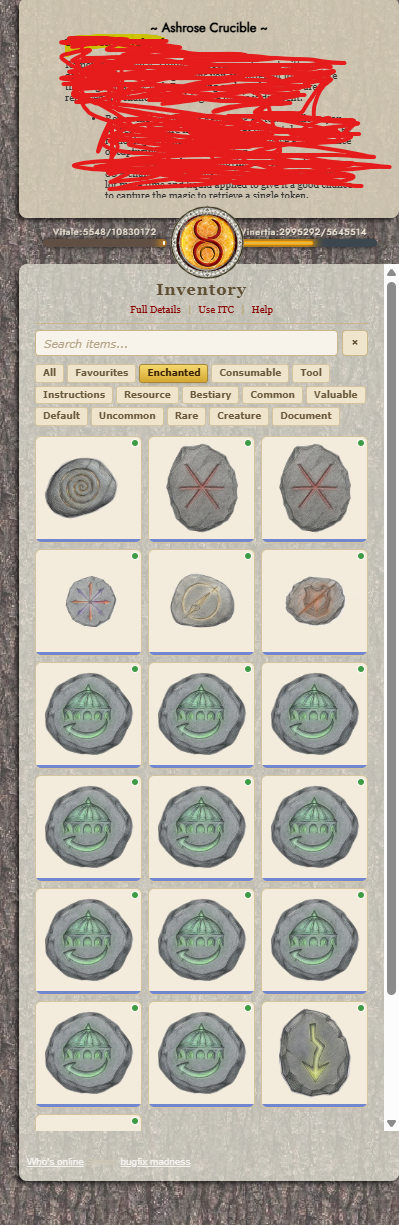
A select all option for the forge 👀

-
-
-
not insisting on this then........
-
-
-
What about deleting your own messages in chat? There have been cases when you copied pasted something you didnt meant to or just wrote a word wrong just by a letter which changes the meaning of the sentence completely.......
-
-
-
-
-
-
I know this has been suggested before, but please just give us a seach bar at the top or bottom:
-
-
 Else reacted to a post in a topic:
When "Drunk" and "Enchanted" chat will break only printing "drunkenchanted"
Else reacted to a post in a topic:
When "Drunk" and "Enchanted" chat will break only printing "drunkenchanted"
-
maybe it was lower than 1% and showed 0 when in reality there was a slightly over 0% chance and somehow you managed to land there 🫠
-
-
-
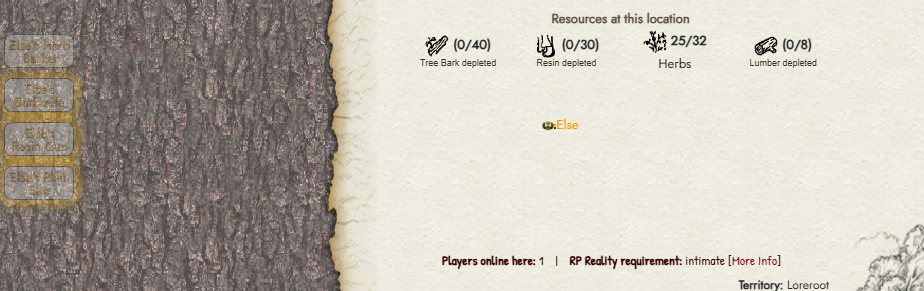
A confirmation button when you are about to deplete a scene, I guess I missclicked here.......wanted herbs......
-
-
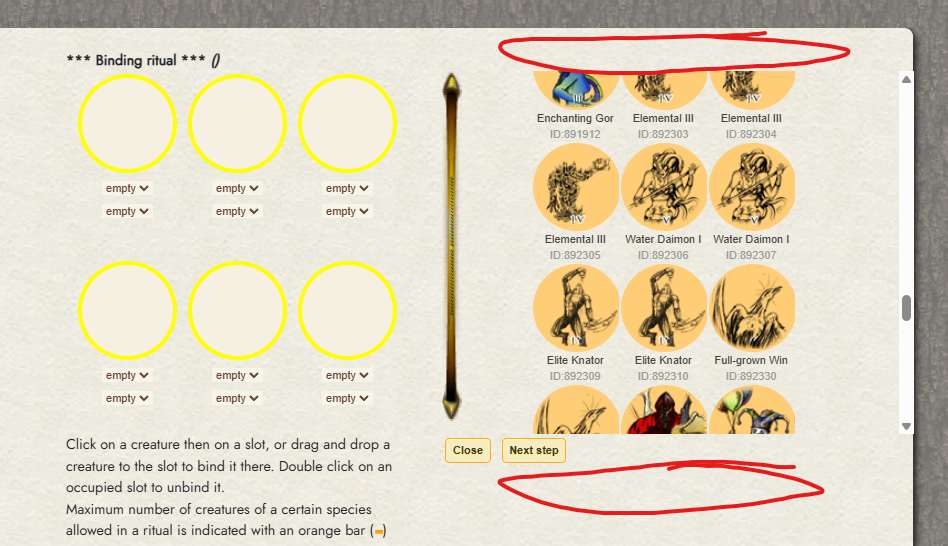
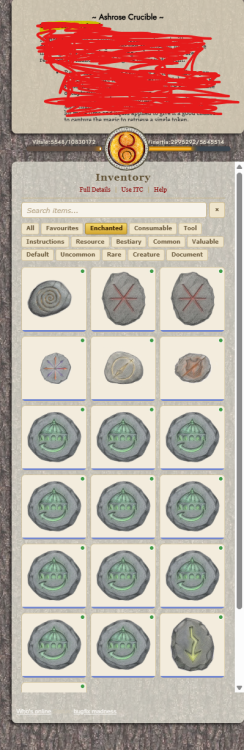
Allow us to redistribute the space for triggers and intentory, or a pop up window. Some forge items have too much text and I cant see the end of the text. There are work arounds but its like this in maximized window.
-
-
I read that you want to forge them 🤣
-
-
deleted Regarding the main topic pause/hibernate mode well I can think and read arguments both in favour and against, w.e. Mur, Chewett and the community agree should be fine..... What about doing the count of progress in branches to keep streaks weekly instead of daily? so its more manageable...
-
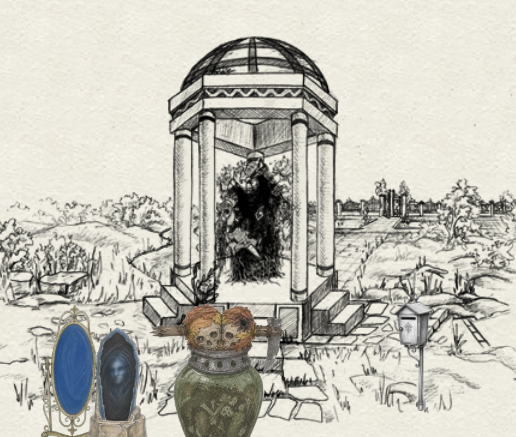
Option to not see player items, total eyesore....
-
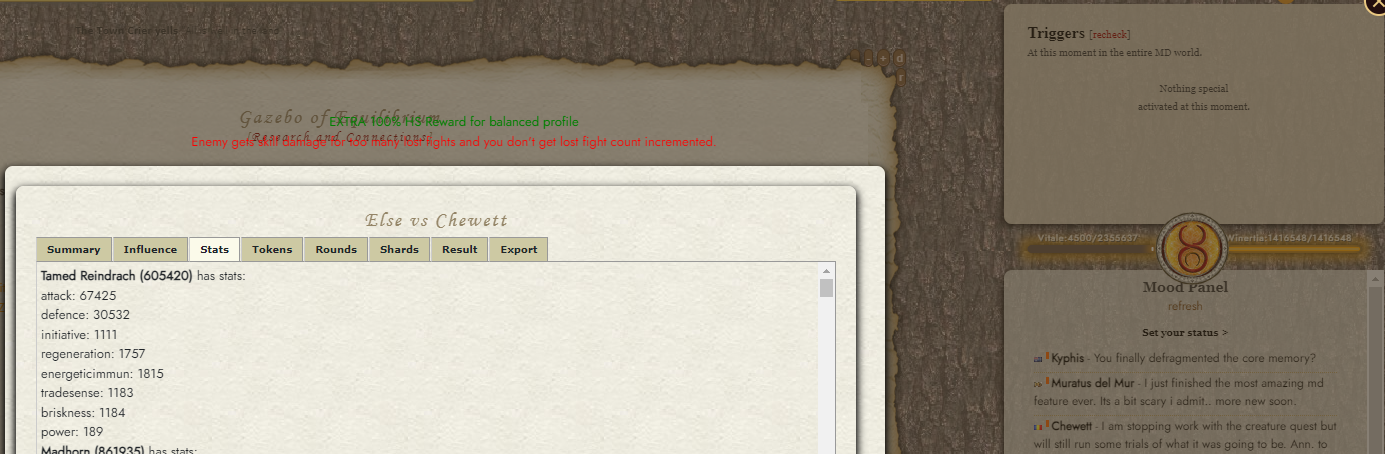
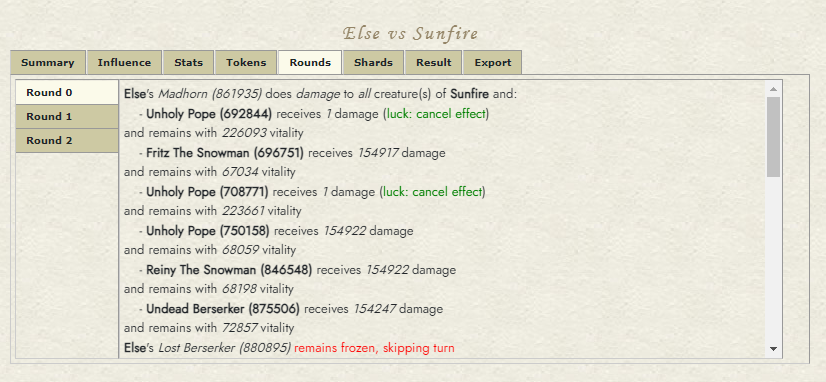
I got luck canceled, so unless zerker boosts unholy popes (which they should not as they are not even the same creature family) my creatures luck should have been higher if they were benefiting from it.
-
Here is an example of me getting luck canceled twice: No skill vamp:
-
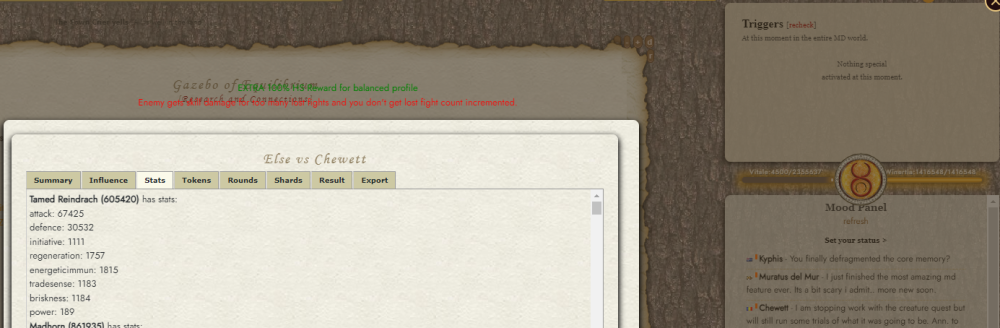
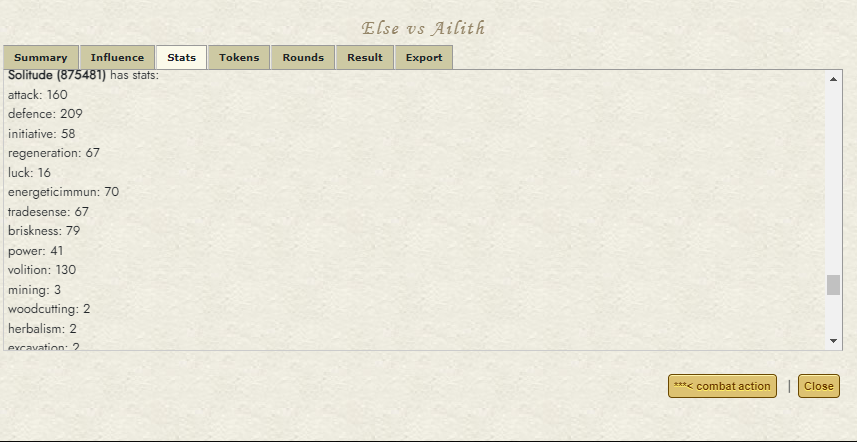
Description - What happens when the bug occurs: Not sure if I am missing something but luck and other skills like gathering ones are not distributing between my creatures when I fight someone (100% in this case). I am not affected by intoxication and my profile does not show any effect on my skils. One of my creatures when I attack: Same creature when I defend: How to reproduce the bug: It happens whenever I fight someone either attack or defend. What you expect to happen: Luck and other skills should be distributed between my creatures same as attack, def, initiative, etc. Other players skills are distributed to their creatures. For example:
-
I will be around this weekend