Images
-
Screenshot_20230327_224813.jpg
NFTs created from the new api, in md, from bestiary creatures. You can find them also on opensea.io where you can view there rarity and such.
Currently there is no way for anyone to create such nfts, but this is just because nobody showed any interest in this feature.
I will cobtinue working on in-game interfwces for this, or i will just use them for personal transfers and rewards..depends only on your feedback
-
-
-
Screenshot_20230327_221129_AlphaWallet.jpg
magicduel.com is not the official erc-20 (eth, polygon) address for md on the eth blockchain.
Magucduel.eth is also a valid ens domain name bound to the official address.
This is part of a series of experiments i do in the crypto direction
-









Chewett
Root Admin
-
Joined
-
Last visited
Everything posted by Chewett
-
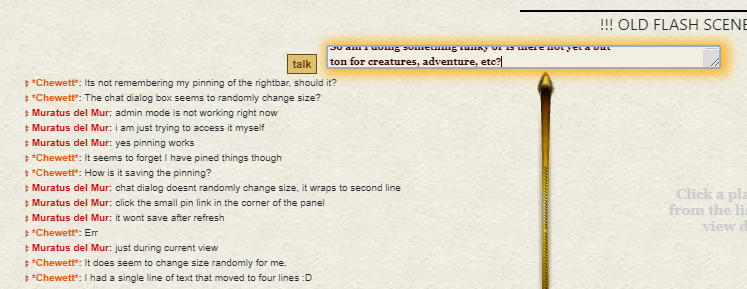
As discussed, If you type out a bit of a message, then go back to the front and type there, the newline code breaks the message oddly.
-
As reported
-
-
Having reviewed these I find these responses as the following places, being the most well thought out and considered: First place - @Aia del Mana Second place - @Vicious Third place - @Nimrodel In a slight change of plans, the rewards are as follows, each winner may select one from the following list. However each option can only be chosen once so once chosen it is gone. Wiiya Bubble Weaver 3 Gold 1 Wishpoint 1 Gold
-
-
As a FYI, it should only appear if there is a LHO online. However the information in the actual modal is important regardless of a LHO being online. If that helps your decision making.
-
Live hemp button is mostly useless at moment with the lack of lhos and people in general FYI
-
I don’t really understand how you are upset when I asked you to bump it when you wanted to be paid and you never did. I will transfer the coin that you owe the treasury back from my personal reserves, take it as a belated Christmas present. I thought there were two auctions, one where I was requested to pay and didnt, and one where you forgot to ask me to pay. From what I can see, since I was unable to pay at the time due to an issue with MD, I asked you to tell me when you wanted to pay. You never did this and it was lost in my many messages. For reference I have over a hundred unread forum messages and thousands more emails. I won’t take the creatures the treasury bought and as I said I will fix the issue with the payment so if you don’t want to give the treasury what they bought you can take the “won” coins as a Christmas present from me. Then the treasury doesn’t get caught short with losing the coin. I really don’t have any more time to waste on trivial 12 coins so that’s fine. Merry Christmas
-
I’m very confused. There was one auction that I haven’t yet found which I didn’t pay you when asked. Sorry about that. There was a second auction which the MD treasury bid on via me which I requested a bump when you wanted me to pay. I have now paid it without said bump so I assume all is well? Im sorry to hear you are leaving as I was quite excited to hear from you again as I have been thinking of you. Will we still be able to get in contact with you via the forum? I have written your Christmas card but not yet posted it. Much love Chris
-
No thanks Sorry I haven’t been using the forum, somewhat busy!
-
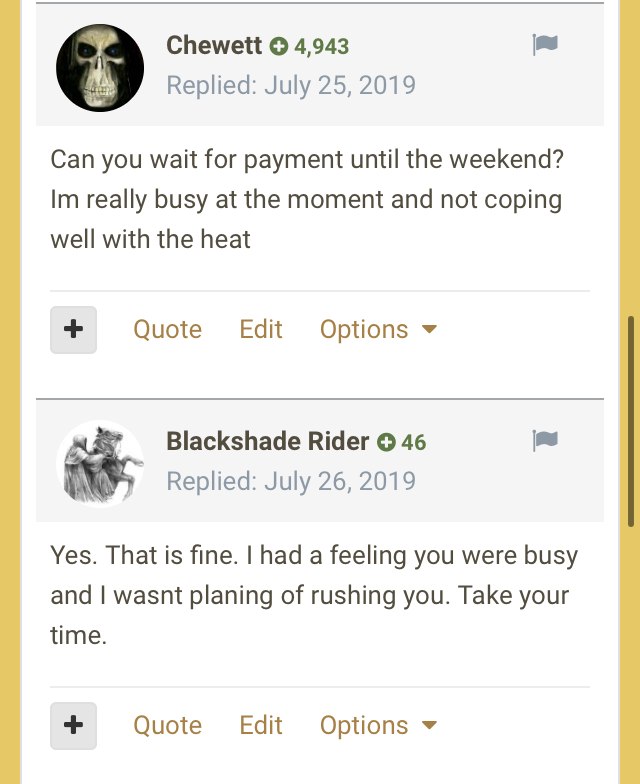
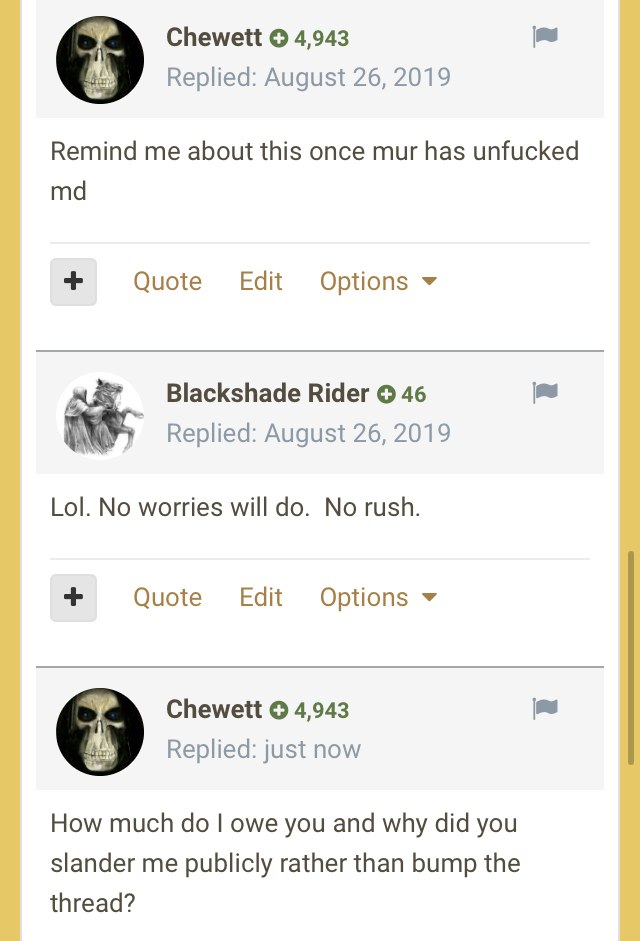
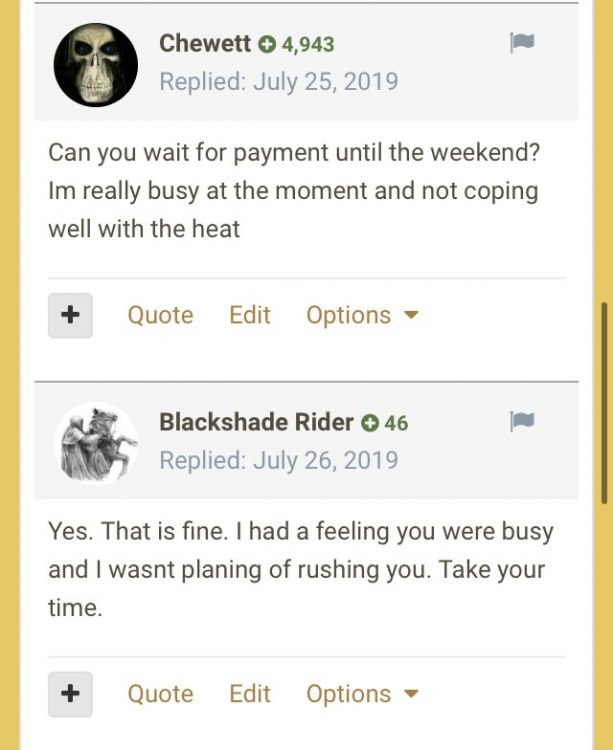
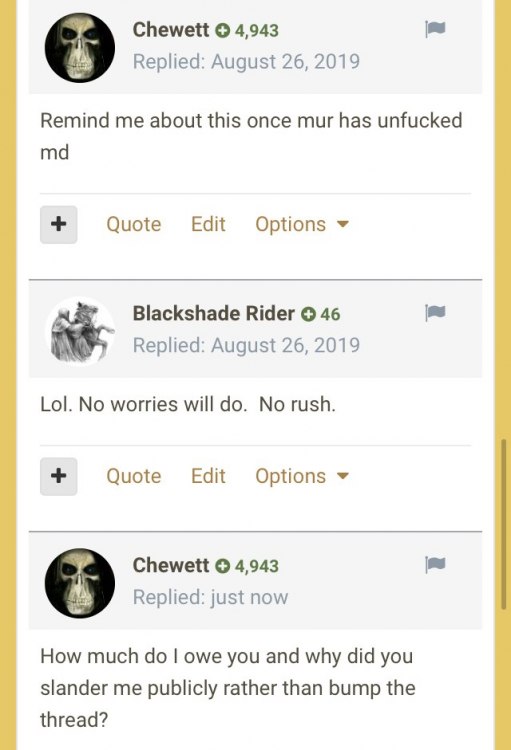
For those that wish to see the full messages we exchanged, see below. decide yourselves if what blackshade says is fair.
-
1366 is most common "small" screen. I had that for years till recent
-
Whacha paying, I own one.
-
Happy Belated biffday peoples!
-
!!!!!!!!!!!!!!!!!!!!!!!!!!!!!!!!!!!!!!!!!!!!!!!!!!!!!!!!!! Contrary to last announcement its not fixed and a load of the styles are messed up. I need to have a chat with Mur to work out what he is trying to do with bringing in bootstrap to MD. Until then all my work on MD is stopped indefinitely as there is little point me trying to fix it without knowing what we are trying to achieve. !!!!!!!!!!!!!!!!!!!!!!!!!!!!!!!!!!!!!!!!!!!!!!!!!!!!!!!!!!
-
Thanks I will investigate that. out today and Friday doing family stuff so will be back in full force tomorrow!
-
Spent a load of time working overtime for work, no MD today.
-
Moved over logout to new webpack system 3 files changed, 18 insertions(+), 11 deletions(-) Minor tweaks to remove more warnings 1 file changed, 2 insertions(+), 1 deletion(-) Begun transferring world map to html5 5 files changed, 25 insertions(+), 6 deletions(-)
-
12 files changed, 254 insertions(+), 61 deletions(-) Ann. 4733 - [2019-08-20 00:16:11 - Stage 14] - Permalink - Posted By Chewett Another Flash bites the dust - Idle pageAnother page has been entirely converted to HTML5. The idle page now uses all HTML5 elements and all flash parts have been removed.This now holds the player avatar, activity bar, and player model code all in HTML5. The avatar and activity bar was already converted but now it also uses the player model recently added to the game.Another small step towards our flashless future.Chewett
-
Took a day off today, busy cleaning the house and other stuff! Played a bit of stationeers to relax. Hope everyone is well!
-
Oh yeah the other reason little progress was made was because I didn’t have power for most of today due to an outage, and when they put the area on a generator it kept being reset hourly losing power for minutes at a time not entirely conducive to programming with a laptop with no battery! fingers crossed it’s all been fixed!
-
Today I was out most of the day but I spent some time tonight working on the idle page. Its a relatively self-contained page which is ripe for moving over to the new system entirely. Only some work has been done, I hope to do the rest tomorrow. 12 files changed, 453 insertions(+), 113 deletions(-)
-
Thats not related but something to fix.I will do that thanks!
-
I have some ideas, all of the puzzles I am thinking of shouldnt pose too much of a problem. Will need a custom scene type but thats not hard.
-
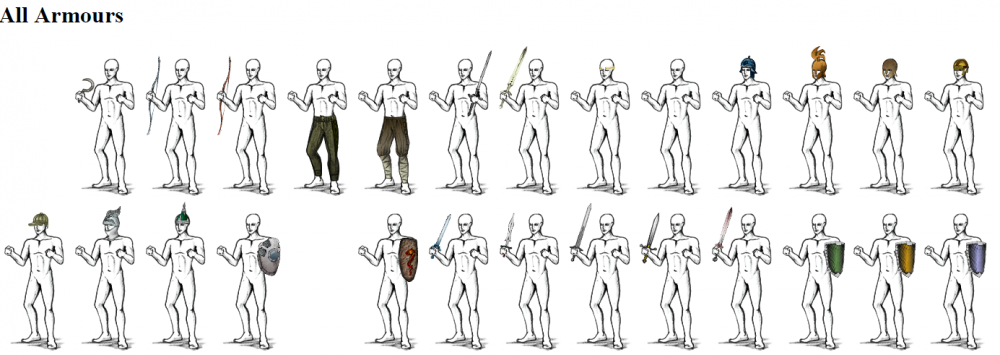
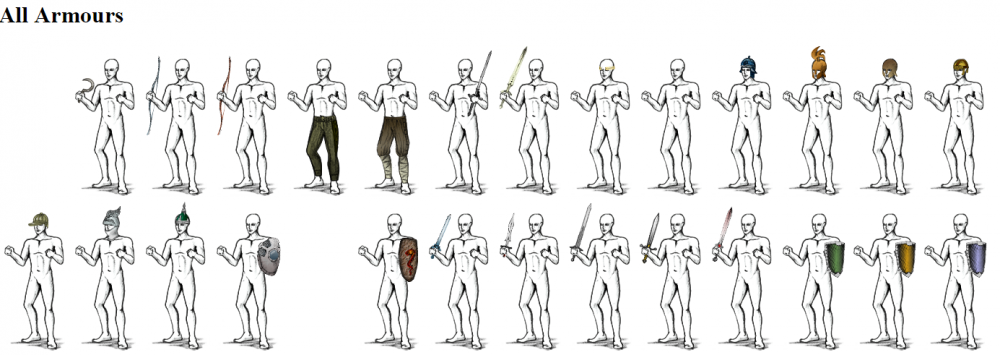
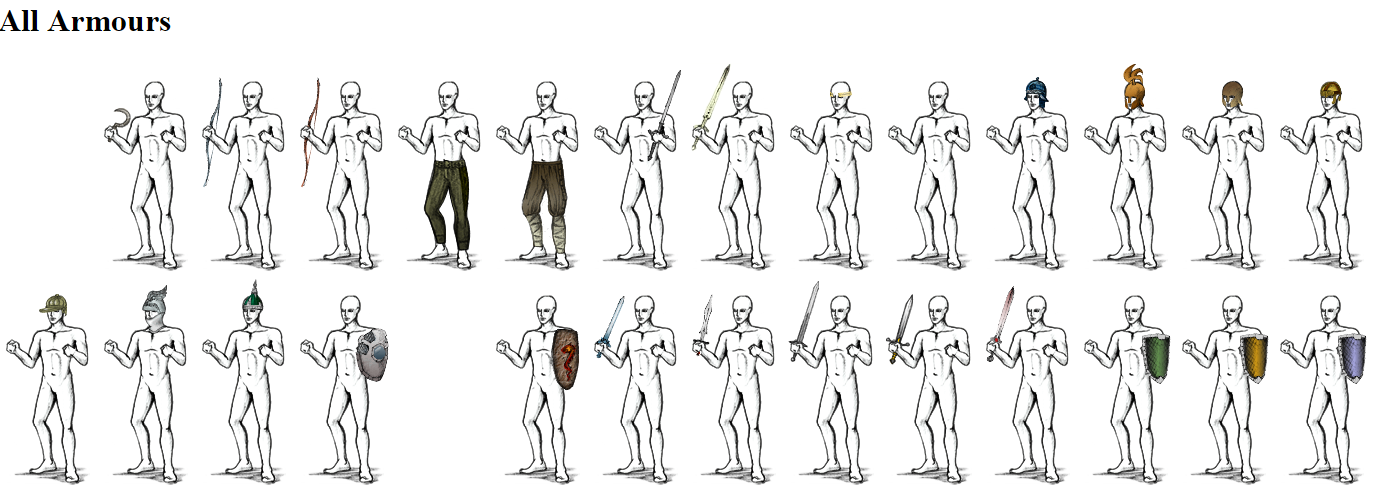
MD Player Dummy + Armour converted to HTML5 This is my example testing page now added to MD. It needs minor tweaks to handle some bad armour but that will be Wednesday and possibly deployment Wednesday or Thursday depending how long that takes. Added the new player model code 9 files changed, 384 insertions(+), 1 deletion(-) Tweaked how we handle the code when there is no css on the page 1 file changed, 7 insertions(+), 1 deletion(-) Big progress!