Chewett
Root Admin
-
Joined
-
Last visited
-
-
-
-
-
Great work Marvolo :)
-
-
-
Normally this would be something I configure so you wouldn't need to have done that. I'm open to managing that again. Name changing abilities That's just a custom illusion IMO. Quick to implement in code.
-
That happened once to me and I wasn't sure what it was doing lol
-
Can we have the evo panel show which you have gained enough evo in to count for the daily consecutive active days? Then we will know what we might need to work on.
-
-
I am aware of that, but I was thinking of a more powerful spell that would just stop spells being cast
-
When cast it would silence someone from using any spells for 1 hour x level of caster
-
Thanks! Very useful
-
-
I am currently one of the item image admins and approve or deny custom images. I would appreciate if I get an email or message when someone adds an image. It would speed up the review process. In the meantime, If anyone is adding custom artwork to their items send me a message once you have uploaded it. CC @Syrian I have approved your hear jar, it looks awesome
-
-
-
A lot of the old scenes have problems with the clickables where the hover effects are not correctly aligned with the back image. I suggest a new tool for trusted people to "nudge" images by few pixels to re-align them. It would allow people to move the image a little bit without having full access to A25. I would be very happy to help nudge some of the scenes into alignment. GoE is particularly bad for example.
-
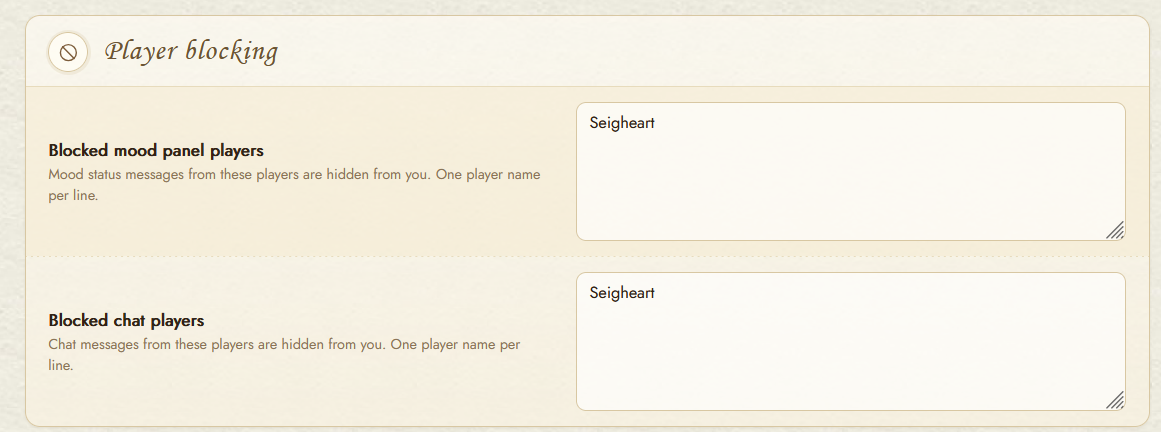
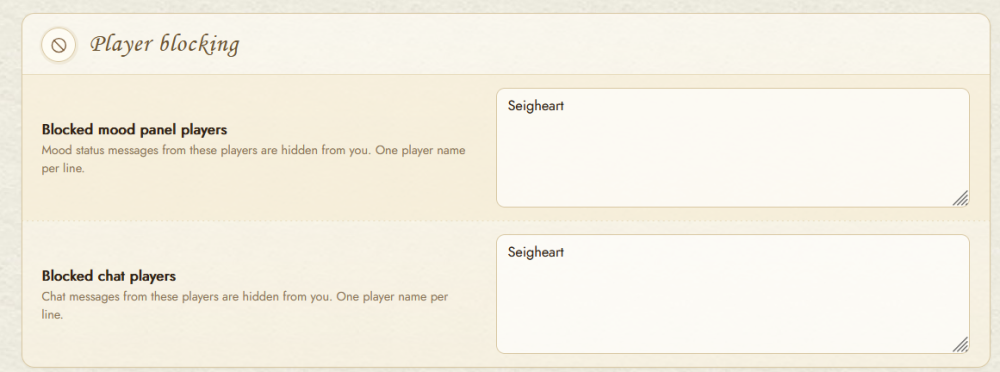
Check your settings
-
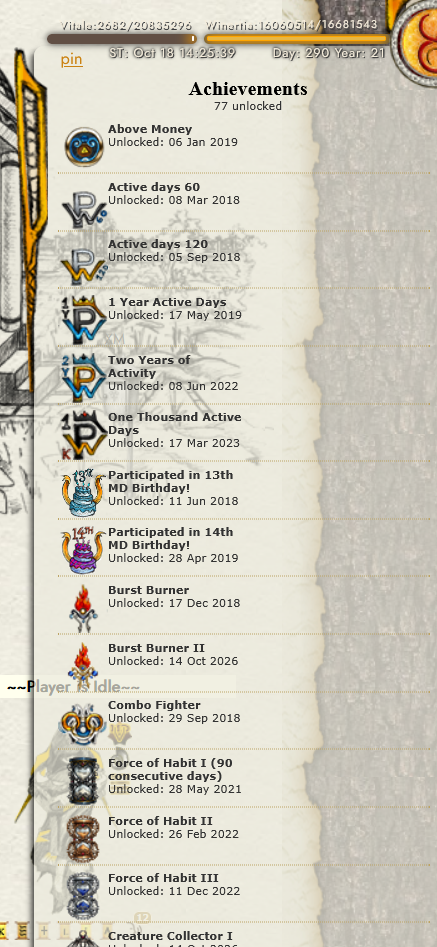
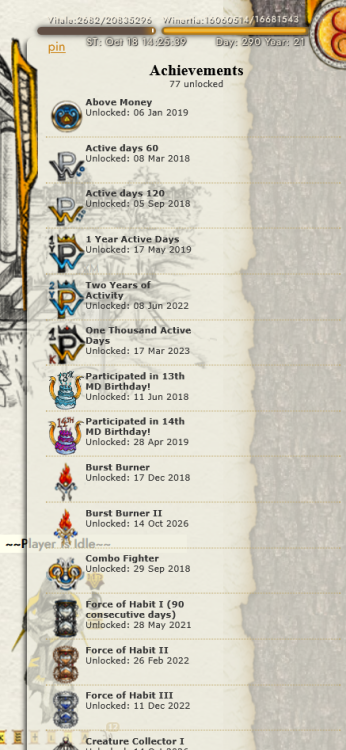
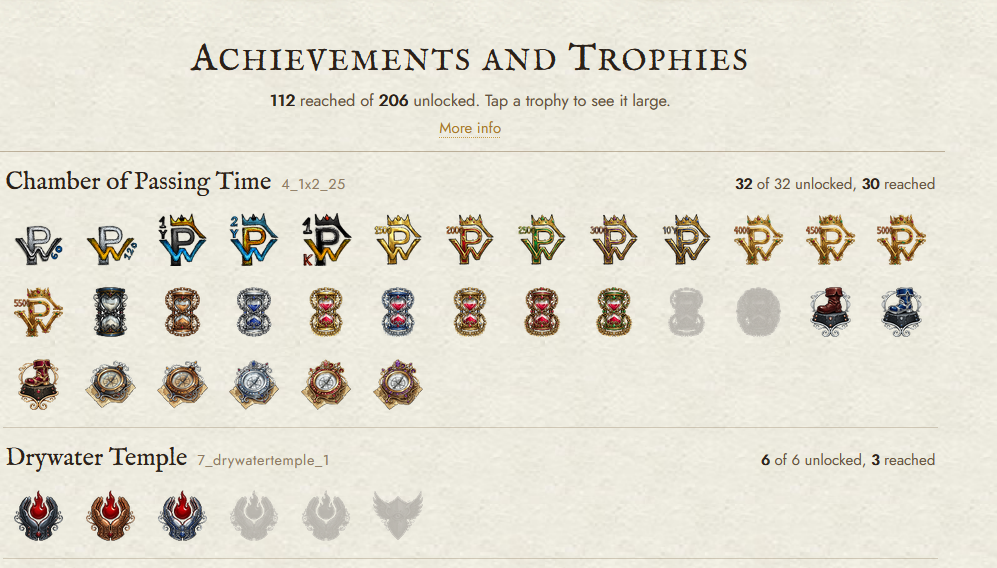
It would be really cool if you could sort the achievements in the main panel and side panel for players. Adding sorting by: Date obtained (earliest / latest) Rarity - Number of players achieved (most / least) Pages I'm referring to: Main achievements page: Right hand panel:
-
-
-
-
The NPC cooldowns were set at 2 minutes to allow fighting when people weren't around, and to make the NPC combat a little less painful. To quote the interface: These were originally set to 2 minutes and were perfectly balanced as before. They were changed to 15 minutes after a somewhat related NPC fix Eggdar made. Unless Mur directed Eggdar to make it longer, my suggestion would be to flip them back to 2 minutes, or a compromise of something shorter than 15 minutes.
-
Ann. 6435 - [2026-08-17 02:16:35 - Stage 17] - Permalink - Posted By Mur Reactions in more palaces, all anonymous Reactions have been added to several other places, including player profiles, player papers and npc battles. These reactions remain anonymous, but who posted them is tracked for abuse protection so don't think you are not responsible for vandalism and obscenity. In general, only most recent reactions are shown, allowing old reactions to fade away in favor of newer ones, this matters most on player profiles. You can change your reaction to something anytime
-
-
Redacted