Images
-
-
First Bug Achievement?
SPOILER!
-
Screenshot_20230327_224813.jpg
NFTs created from the new api, in md, from bestiary creatures. You can find them also on opensea.io where you can view there rarity and such.
Currently there is no way for anyone to create such nfts, but this is just because nobody showed any interest in this feature.
I will cobtinue working on in-game interfwces for this, or i will just use them for personal transfers and rewards..depends only on your feedback
-
-
-
Screenshot_20230327_221129_AlphaWallet.jpg
magicduel.com is not the official erc-20 (eth, polygon) address for md on the eth blockchain.
Magucduel.eth is also a valid ens domain name bound to the official address.
This is part of a series of experiments i do in the crypto direction
-














Nep
Member
-
Joined
-
Last visited
Everything posted by Nep
-
Ok, here be the noob questions. I know next to nothing about illusions so get something to drink First of all, how does someone gain the ability to use illusions? Is it a wish shop thing like most spells, or do you get it as a quest reward, or maybe a reward for a role? Is it limited to running quests, or can you use it in day to day life too? If so, what are its limits? Does it have a set number of casts every 2 weeks like regular spells? Can you put them into memory stones? How customizable are they? Do you get a free hand between certain boundaries, or do you get a set number of options you can choose from? How long are illusions in duration? Are you limited to changing your own appearance, or can you cast them on others too? If you can, is there a way for them to get out of it? What happens to the items / stats / crits you gain while affected by an illusion? Do you lose them or carry them over to your normal form when the illusion is over? This is it for now... If anything else comes to mind I'll post it.
-
Sign me up!
 Inspired by my own misadventures.
 Aia as the Joker
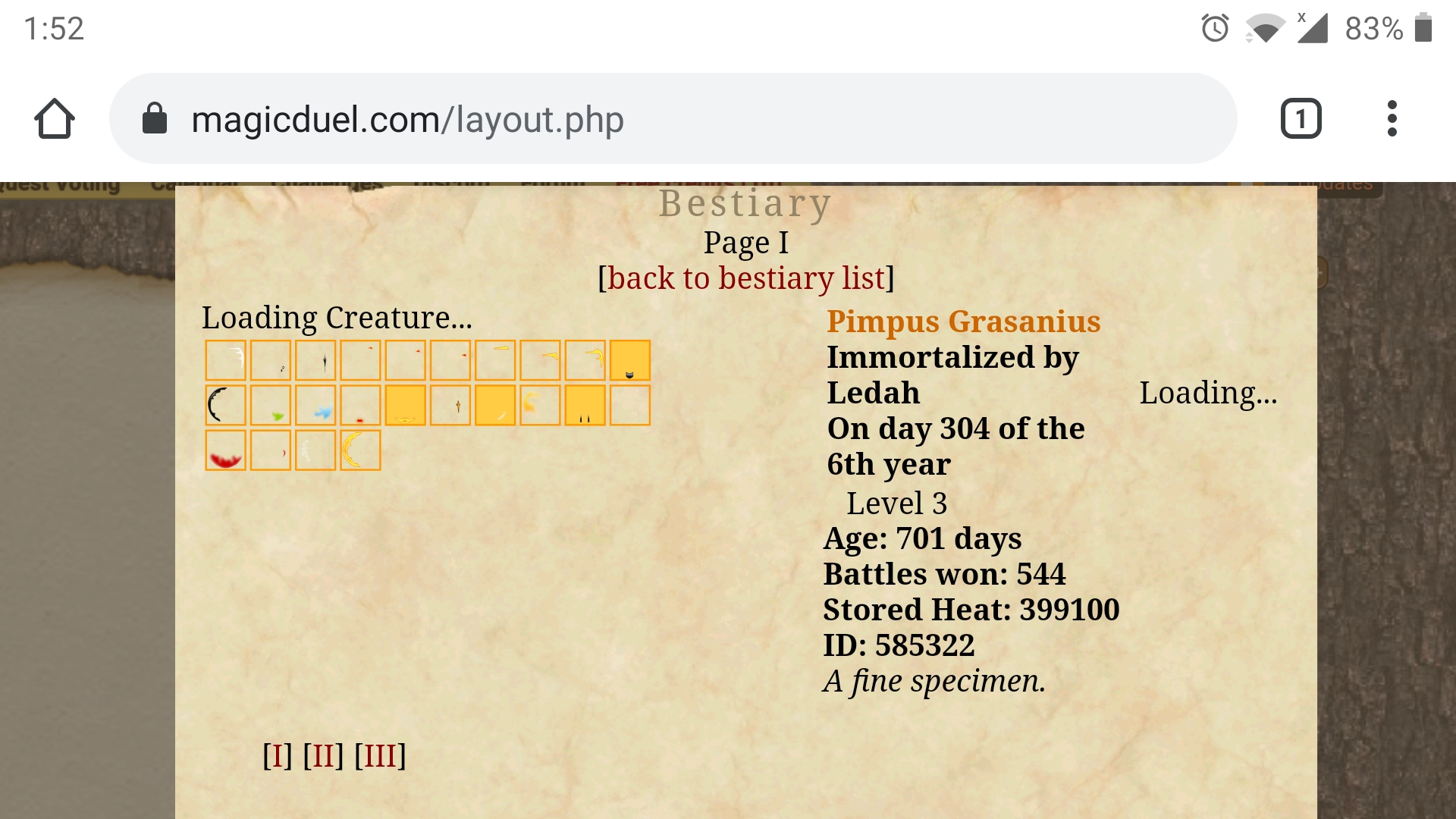
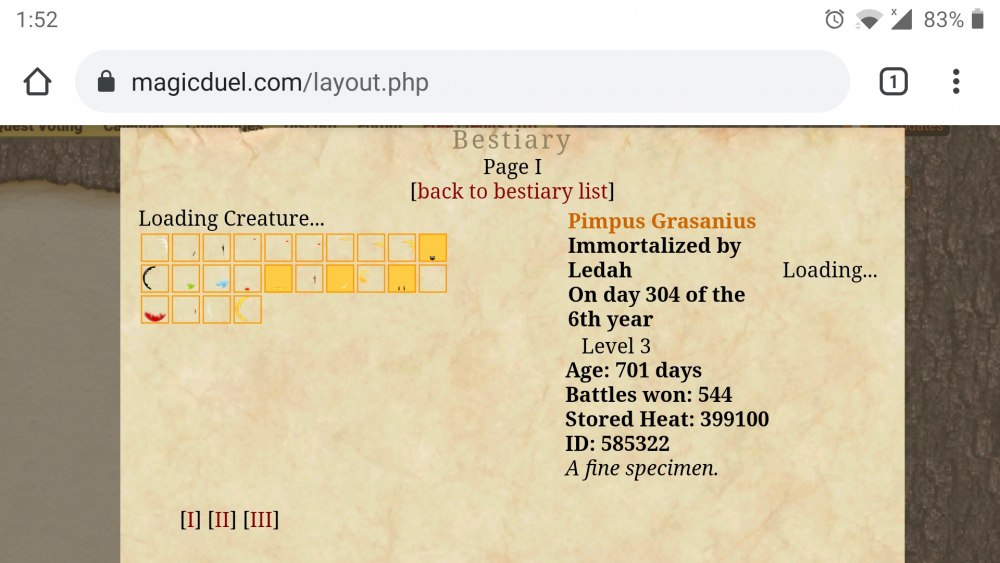
 With the Golemus lab open to the public, I have found myself using memory stone detectors more often (yes, that is what they are called, and not memory stone collector like some people seem to think!). It is a fascinating tool, so I wanted to find out more about them... But the item description has been a huge letdown: Seriously, what the hell... There is no way I can be satisfied with that, so naturally I came up with my own theories regarding the composition and inner mechanisms of these tools. But I can't be sure how deranged they are, so I decided to post a quest to ask the public about their ideas on the matter. And, after a brief discussion, Chewett was nice enough to sponsor it. So, here it is: Your task is to explain how a Memory stone detector works. What does it look like? What are its various parts used for? Consider the connection between regular stones and memory stones... How is it able to differentiate between the two? What method does it use to detect memory stones? Why does it have such a long cooldown? You should answer the above questions, and add anything else that you feel like is necessary for a thorough explanation. Although it is not mandatory, you can even draw if you think it will help driving your point through (it doesn't have to be an artistic masterpiece either). You should send your submission to me through forum DM, preferably with the title "[Memory stone detector quest]". It's not like there is any secrecy here, I just don't want people to draw ideas from others' submissions. I want to see how many different ideas you come up with, and whether there are any common themes in them (hopefully to determine how the detector works). 1 entry / person. So, please send your best one (though feel free to modify it if you come up with something better after you sent it). I will publish all of them in this thread once the anniversary is over. The deadline for submission is the last day of the 2021 anniversary. Entries will be judged by me, based on the following criteria: Attention to detail (the more thorough the explanation the better). How "realistic" your idea is within the world/lore of MD. Uniqueness of the idea. Obviously, this is all very subjective. But I'm hoping we can all learn something from this quest. If I can't make up my mind, I'll ask someone with no stake in the contest to help determine the winner. Now for the rewards: (Sponsored by @Chewett) 1st Place: 1 Anniversary creature + 1 Wishpoint 2nd Place: 1 Anniversary creature 3rd Place: 1 Anniversary creature Obviously, there will be no WP if there isn't at least 3 submissions. I may decide to throw in a bunch of coins for those who didn't make it to the top 3, if we really have a lot of entrants. This is all for now. Good luck!Just to clarify if I understand this correctly. He will never be randomly found just because I placed an A25 holder there - so he has to move to where I placed them the next time he moves. So essentially, we need a pattern that makes it impossible for him to move to a square where there is no A25 holder (with the minimum number of holders placed, so no covering the board with A25 people). Is that correct?Creature images don't seem to be showing correctly in bestiaries either. Screenshot attached.
 Just wanted to check - are those angiens still for sale?Snowman, 14 goldSnowman, 12 goldSnowman, 10 goldHappy birthday ^^The second card is a plant!Sign me up: NepgearThe opposite for me - bug, bird. Double them as I like to live a dangerous life!Ah, cursesss D: I was never good at these gamesMan, I was hoping it's a locust/grasshopper or something Anyway. Here are my next tips (from left to right, top to bottom): Plant, Bug Bug, PlantIn order, from left to right: Plant Bug Bird Sorry for the delay, I got kinda sick.Sounds good.Sign me upI've been looking to acquire one of these for a while now, so I'm opening this topic to see if there is anyone willing to sell. As for the price, I have about 12 or a bit more gold to spend on this. If you have a different price in mind, or maybe want something else, you can still contact me, we might be able to figure something out. Send me a DM either here or in-game if you are interested.It's because of the EU's GDPR regulations. Basically, since the EU court can fine any site for mishandling the data of EU citizens, many sites that didn't have much visitors from the EU have chosen not to bother with it and just IP banned us all. A stupid solution to a stupid problem if you ask me.Oh right, I actually forgot about this. So basically, after the altars started working again I sacrificed fully grown trees with many won battles at the altars in Loreroot, No man's land and Golemus, but no new principles have been gained.