Vahr
New Member
-
Joined
-
Last visited
-
-
-
-
-
-
-
-
-
-
-
-
-
-
-
I’m in! Just let me know when.
-
No need to apologize. It’s kind of you to want to help :)
-
Thank you for trying to help, Fang, but I already know this. When I don’t turn my phone onto landscape mode (turn my phone sideways), I’m unable to find the “Who’s online” button and I’m unable to write in the PL of others. Update: In landscape mode, I’m able to write public logs but the “Who’s Online” button is blocked.
-
I’m on an iPhone and on the Safari browser.
-
-
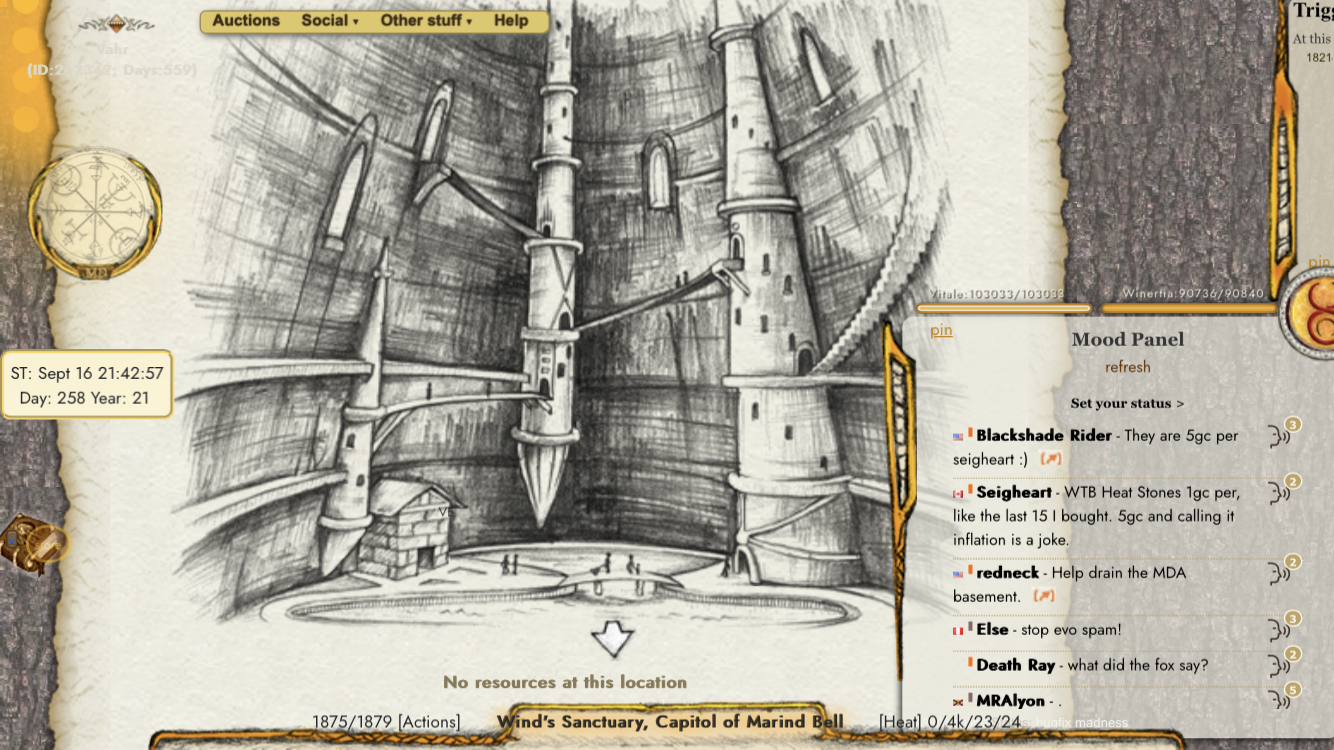
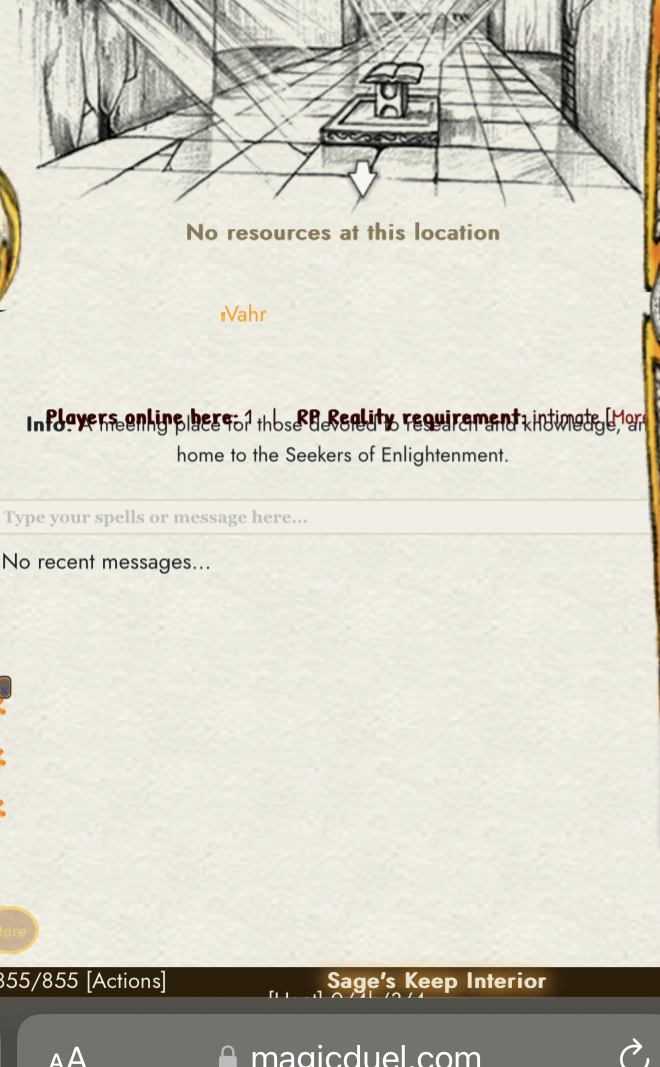
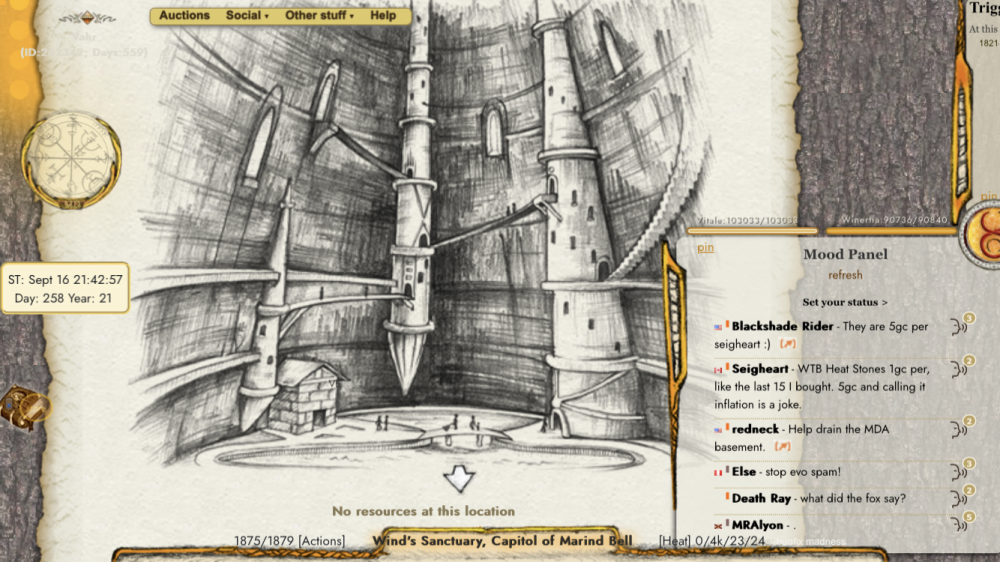
I noticed there’s a new interface for MD when I use my phone to access it. However when I tilt my phone to put it in landscape mode, I’m in the former interface. In this new interface, my right side bar/menu is gone. Attached is a photo of this. Update: In landscape mode, I’m able to write in other people’s public logs but the “Who’s Online” button is blocked by the bar at the bottom of the page. No matter how I scroll, it remains blocked. Also, I’m on an iPhone and using the Safari browser. The photo in landscape mode (wide) is the one that refers to this update. Update 2: I’m now able to see and write in other people’s PLs in the new mobile interface.
-
Have a great time, Chew.
-
I like option 1 the most. Another idea is that the Archivists decide who can write in the MD Archives.
-
Now the like button turns to unlike but when I return to the announcements upon exiting them, it reverts to “like” as if I never pressed them.
-
Player name: Vahr Player ID: 262342 Browser: Safari Operating System: IPhone Importance: Low Description - What happens when the bug occurs: I go to the News (announcements) and when I press “like” it doesn’t change to “unlike”. This means I can’t add my “like” to any of the announcements. How to reproduce the bug: Press “News” and click “like” on any of the announcements. If the “like” turns into “unlike”, the bug only affects me. What you expect to happen: I expect that upon pressing the “like” button it will change to “unlike”.
-
-
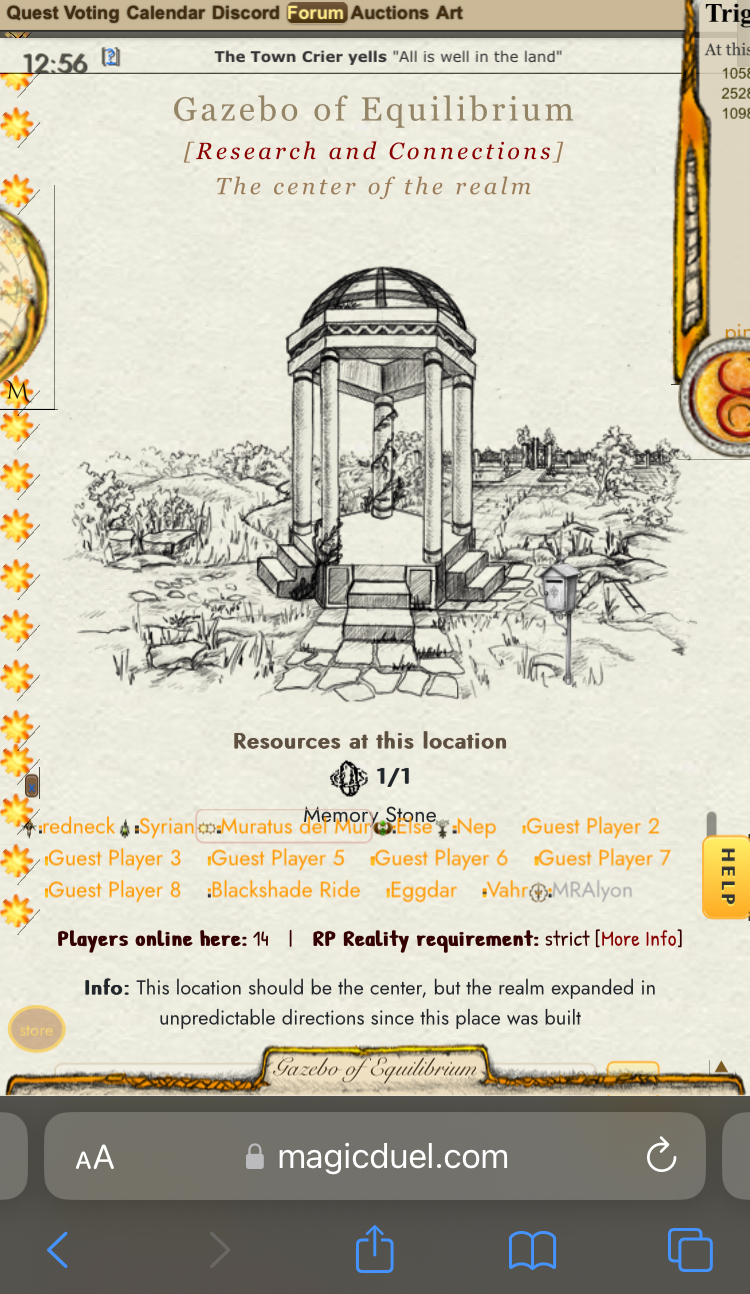
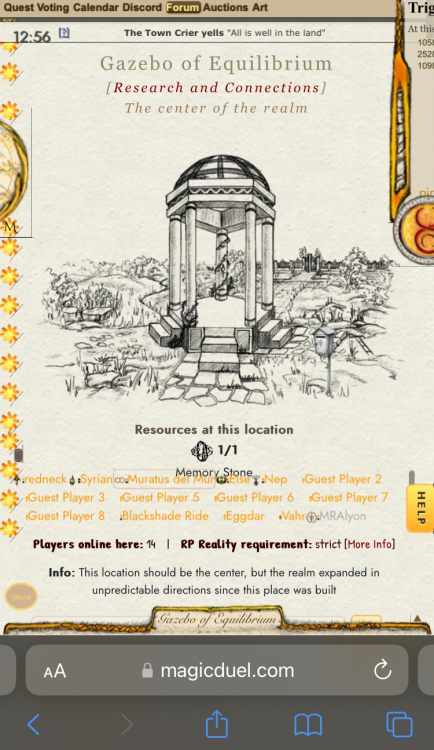
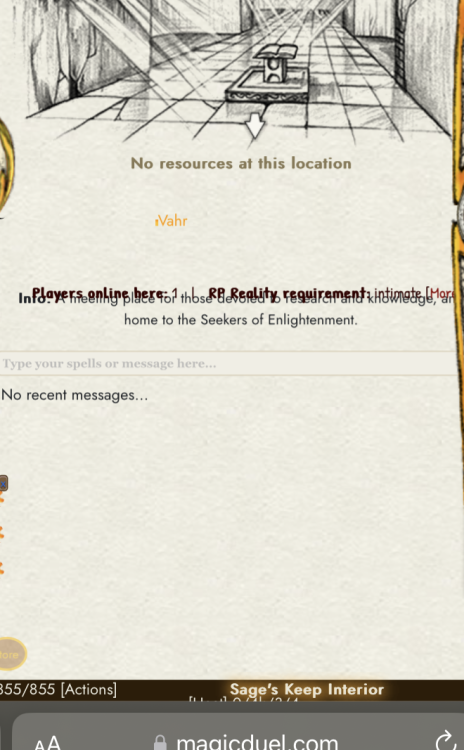
I don’t know where to put this on the forum so I’m posting it here. I’m on mobile and I’m not sure if other people are experiencing this but the text that says “players online here” and “RP Reality requirement” is covering the “Info” text. Here is a photo of the occurrence.
-
You can log out by accessing the wheel on left side of the interface and the log out option is at the bottom. From that, you can choose to log out or go idle.
-
Player name: Vahr Player ID: 262342 Browser: Safari Operating System: IPhone Importance: Low/Med Importance Description - After voting on the popularity poll page, I am sent to a page that says something along the lines of: “Action reported. If this is an error, tell admins asap” And then there is no way to leave that page unless you refresh it. And when you refresh it, it brings you back to the popularity poll page. I did this several times and the same thing happened. I had to go on private mode on safari to force my account to log out (signed in again while my account was online on normal(not private) mode) This forced the log out. When I logged in again, I was presented with the popularity poll page again. But this time when I voted, it sent me to the scene I was in. No more bug. Just wanted to let you know this happend. How to reproduce the bug: I don’t know. I’m no longer getting the bug. What you expect to happen: I expect when selecting “continue” on the popularity page, it brings you back to the scene you were in (which it eventually did for me) I hope this helps.
-
These two free credit links are broken. https://www.www.xtremetop100.com/in.php?site=1132312832 https://ovongames.com/browser-game/magicduel