


Skip to content
View in the app

A better way to browse. Learn more.

MagicDuel Community

A full-screen app on your home screen with push notifications, badges and more.

To install this app on iOS and iPadOS
  1. Tap the Share icon in Safari
  2. Scroll the menu and tap Add to Home Screen.
  3. Tap Add in the top-right corner.
To install this app on Android
  1. Tap the 3-dot menu (⋮) in the top-right corner of the browser.
  2. Tap Add to Home screen or Install app.
  3. Confirm by tapping Install.

Images

new player

New Member
  • Joined

  • Last visited

  1.    Poppi Chullo reacted to a post in a topic: Giveaway
  2. I want the Angien if possible
  3. Item 7: pimped grasan. Price: 7 plushies
  4. This is amazing. Good job! Hope to see your artworks in the future as well.
  5.    Rophs reacted to a post in a topic: Discord Emoji Competition
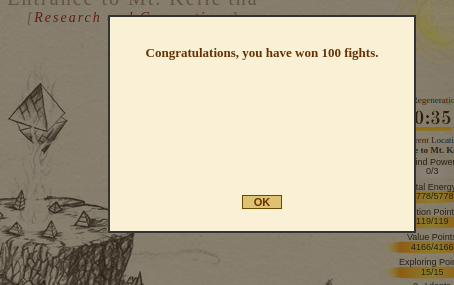
  6. I'm mp3 and I got this too. It started to happen when I got my 100 lost, and then 100 wins. Didn't get it when I reached 500 honors.
  7. Is there a limit for number of emojis one can upload?
  8. GG, I forgot about this because I'm caught up with work since it's Monday
  9.    Mallos reacted to a post in a topic: Greetings from new player!
  10. Hello all, I'm a new player here at Magic Duel, just like my player name suggested Hoping for all of your guidances here and let's have fun together


Account

Navigation

Search

Search

Configure browser push notifications

Chrome (Android)
  1. Tap the lock icon next to the address bar.
  2. Tap Permissions → Notifications.
  3. Adjust your preference.
Chrome (Desktop)
  1. Click the padlock icon in the address bar.
  2. Select Site settings.
  3. Find Notifications and adjust your preference.